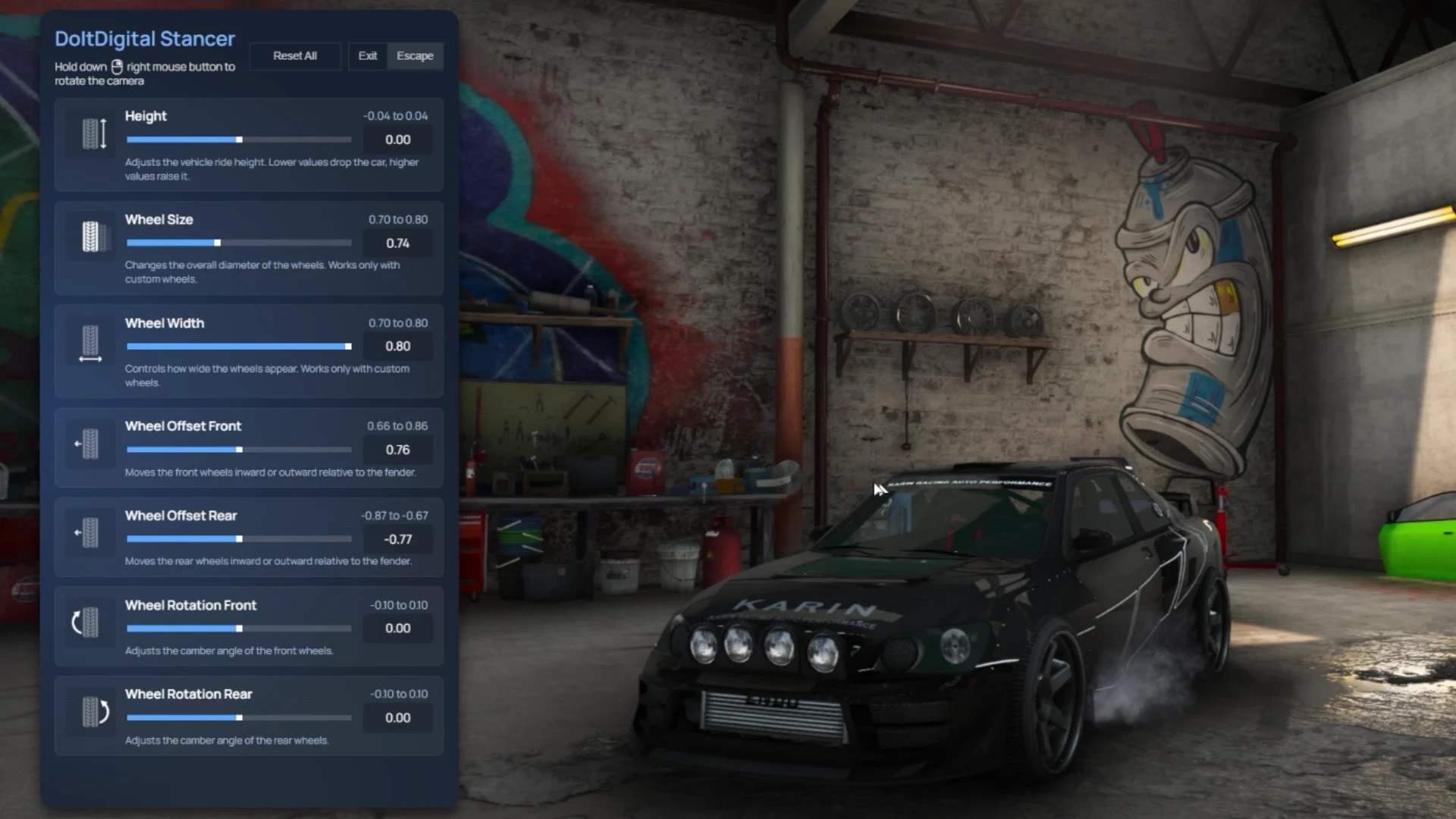
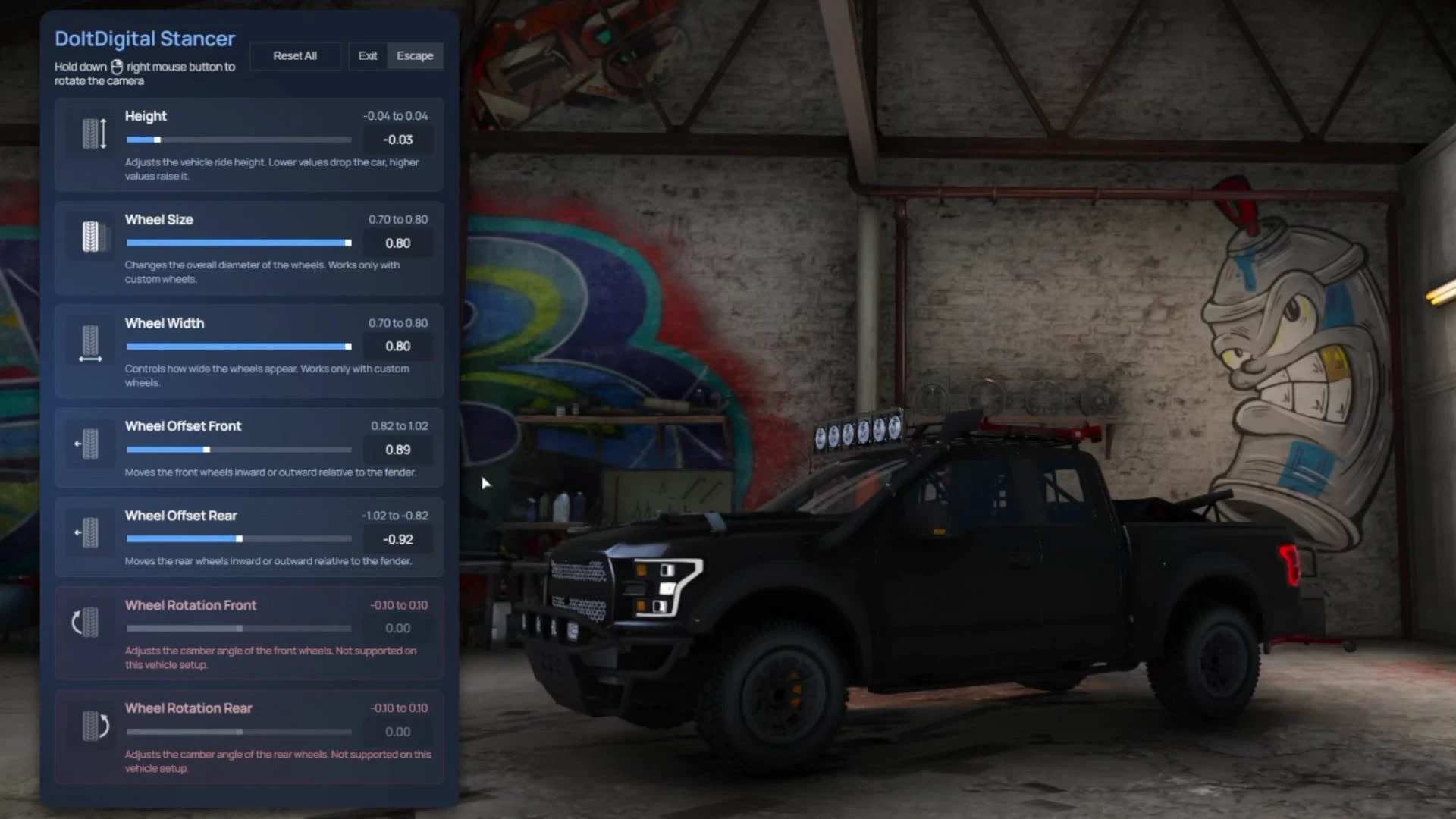
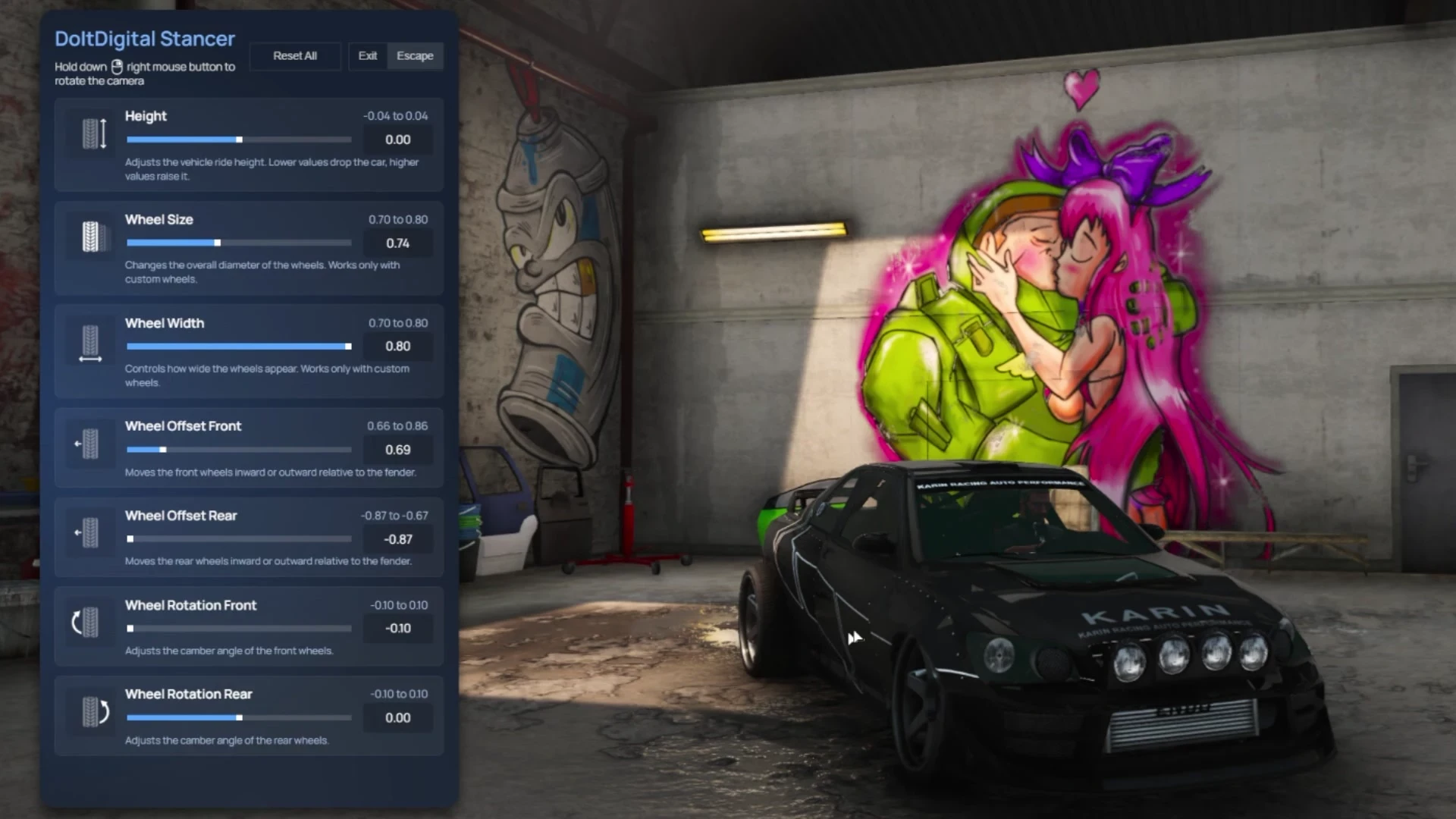
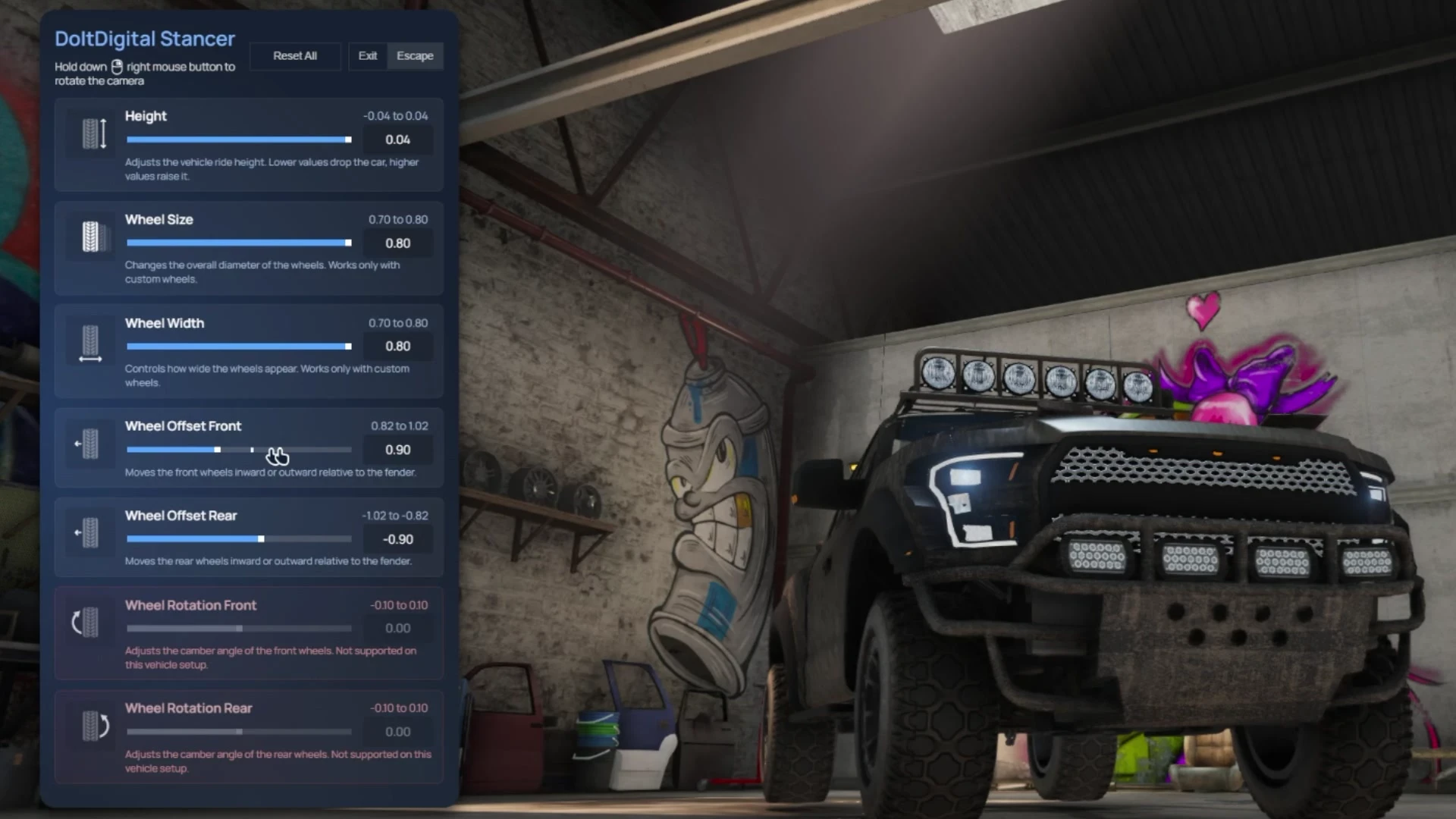
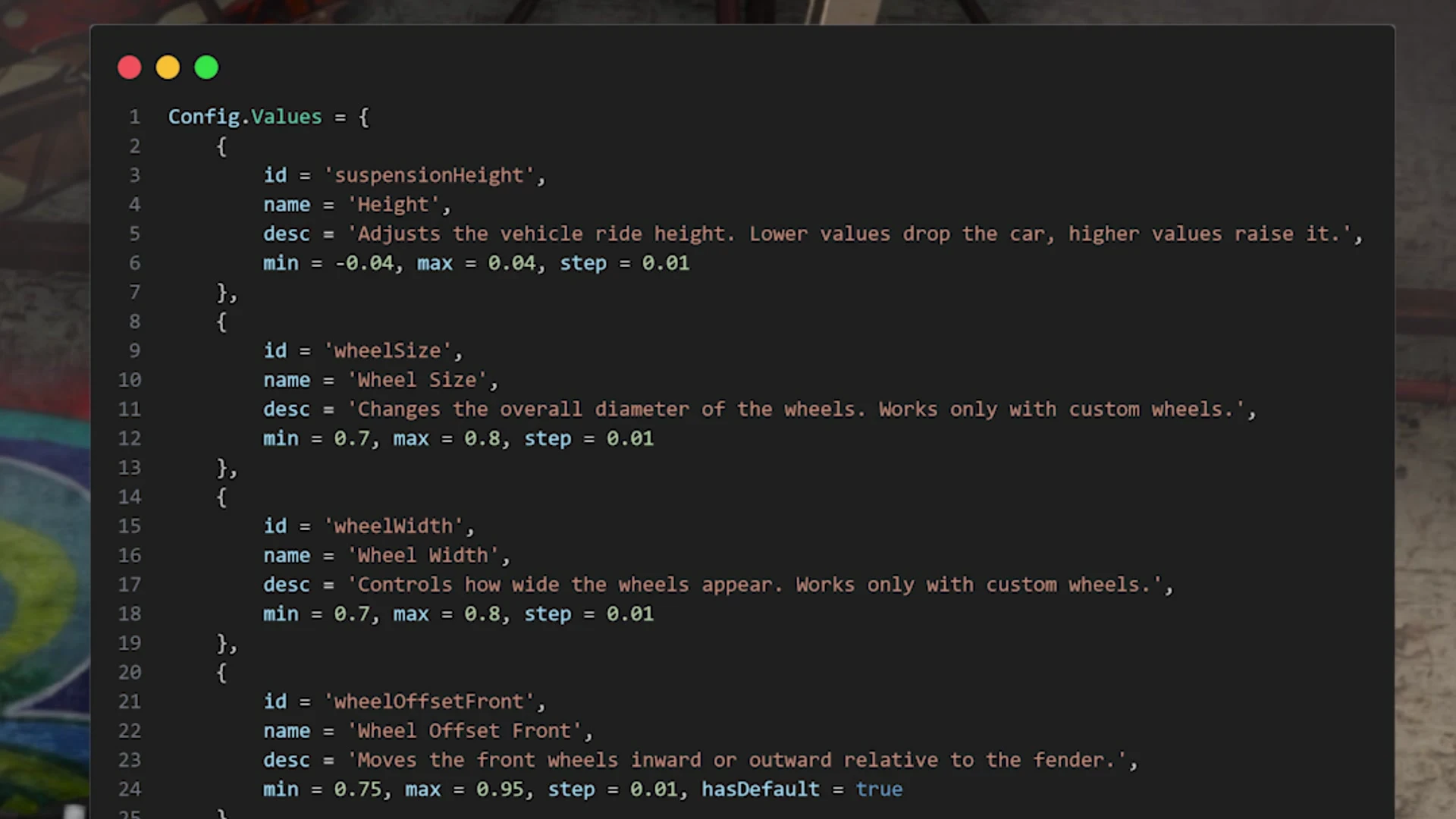
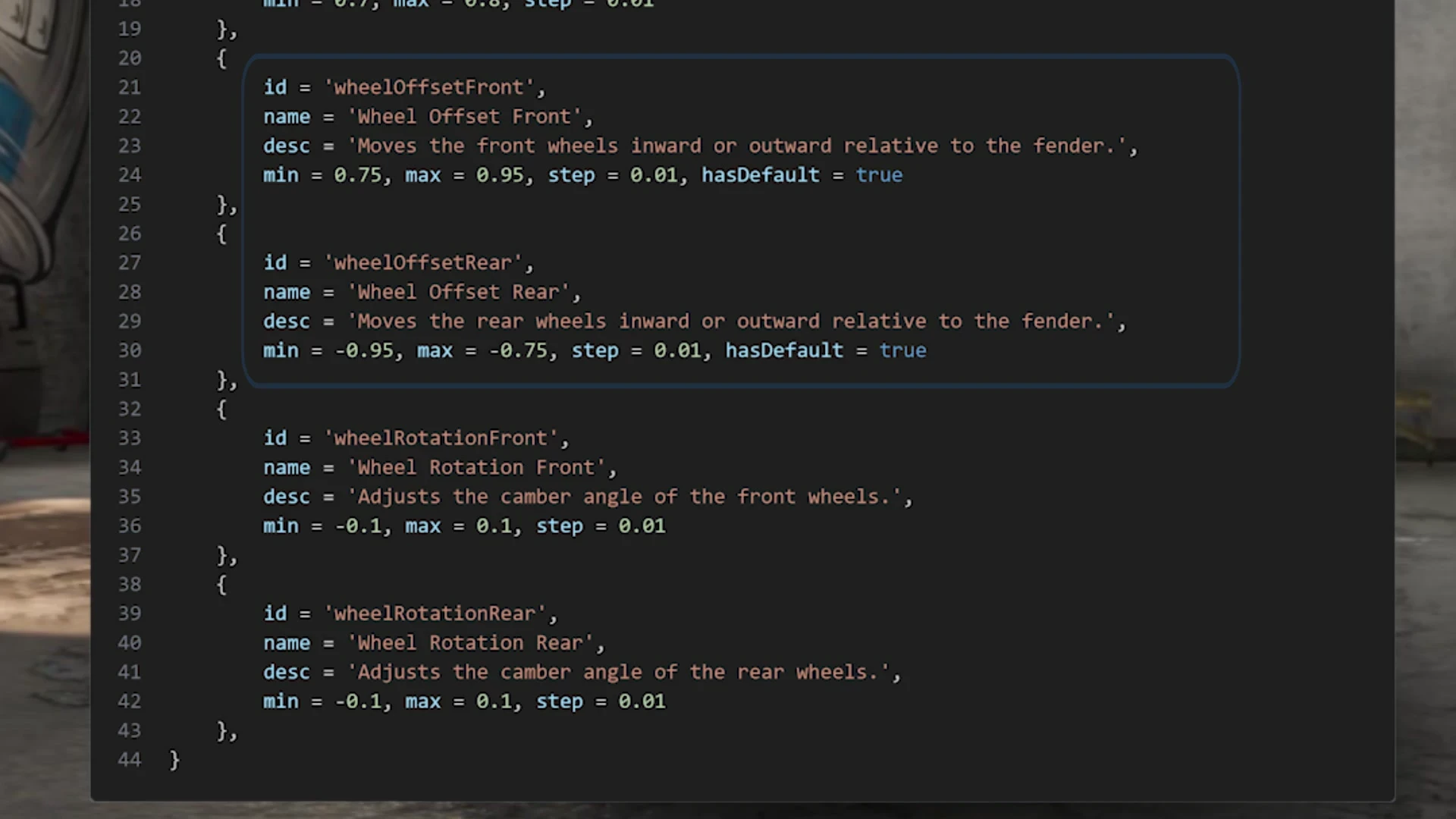
Seven sliders, one car. /stancer opens a panel for ride height, wheel size, wheel width, and the offset and camber of the front and rear wheels. Hold the right mouse button to orbit the camera and watch the car change as you drag.
| Slider | What it does | Default range |
|---|---|---|
| Height | Lowers or raises the car | -0.04 to 0.04 |
| Wheel Size | Wheel diameter (custom wheels only) | 0.70 to 0.80 |
| Wheel Width | How wide the wheels look (custom wheels only) | 0.70 to 0.80 |
| Wheel Offset Front / Rear | Pushes the wheels in or out against the fender | A 0.20 window around the car’s own factory offset |
| Wheel Rotation Front / Rear | Camber | -0.10 to 0.10 |
Because the offset limits start from each car’s factory offset, a lifted truck and a low tuner get different ranges: in the screenshots, 0.82 to 1.02 on the truck and 0.66 to 0.86 on the tuner. The camber sliders turn grey on cars that can’t take it.
In the config
- Label, description, minimum, maximum and step for every slider
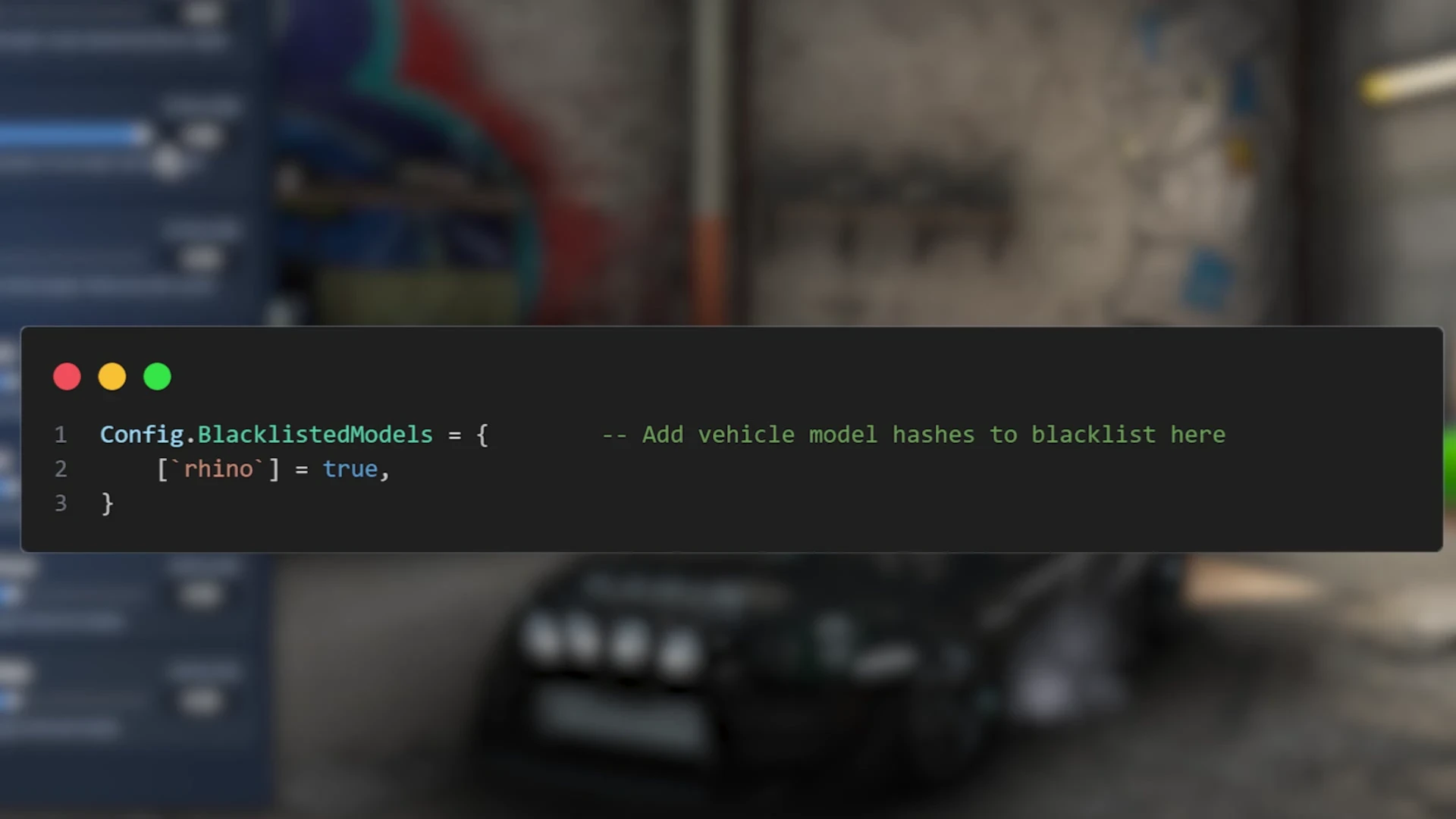
- A blacklist of models the menu won’t open for (the Rhino tank by default)
- Command name, apply delay (200 ms), sync distance (200 units) and vehicle cache interval
A standalone FiveM resource with no dependencies, so it runs on ESX, QBCore, Qbox or no framework at all. Questions? Ask on our Discord.