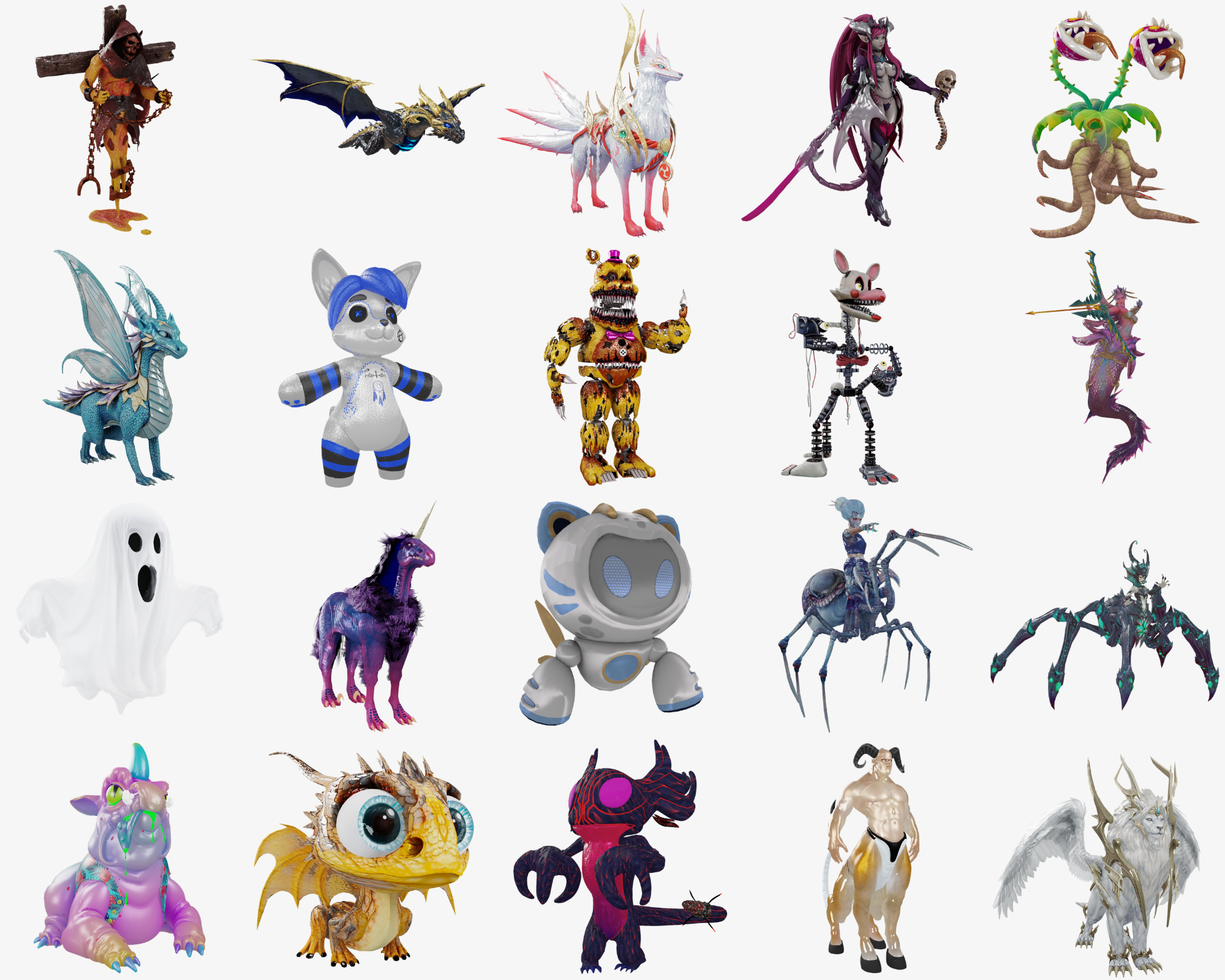
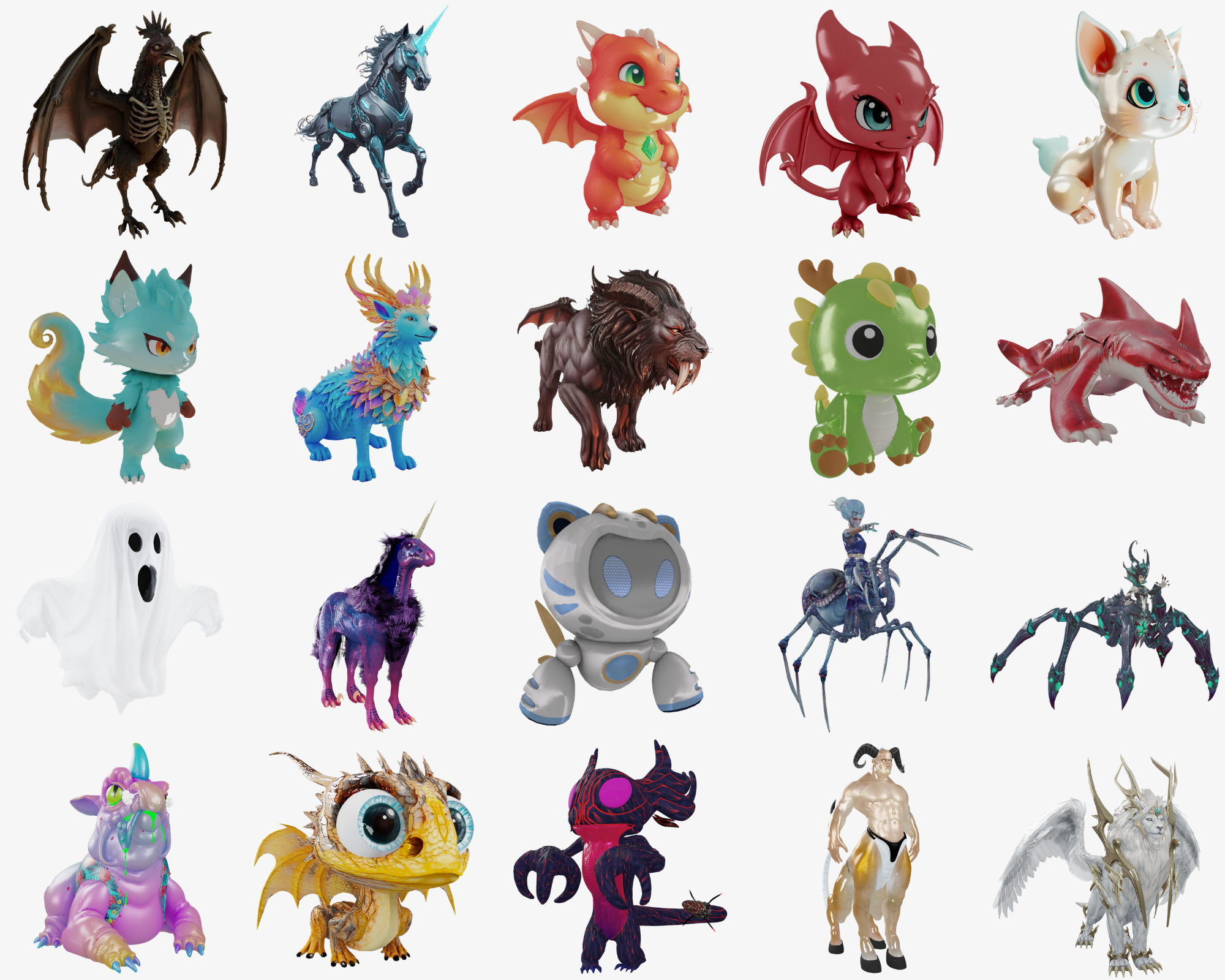
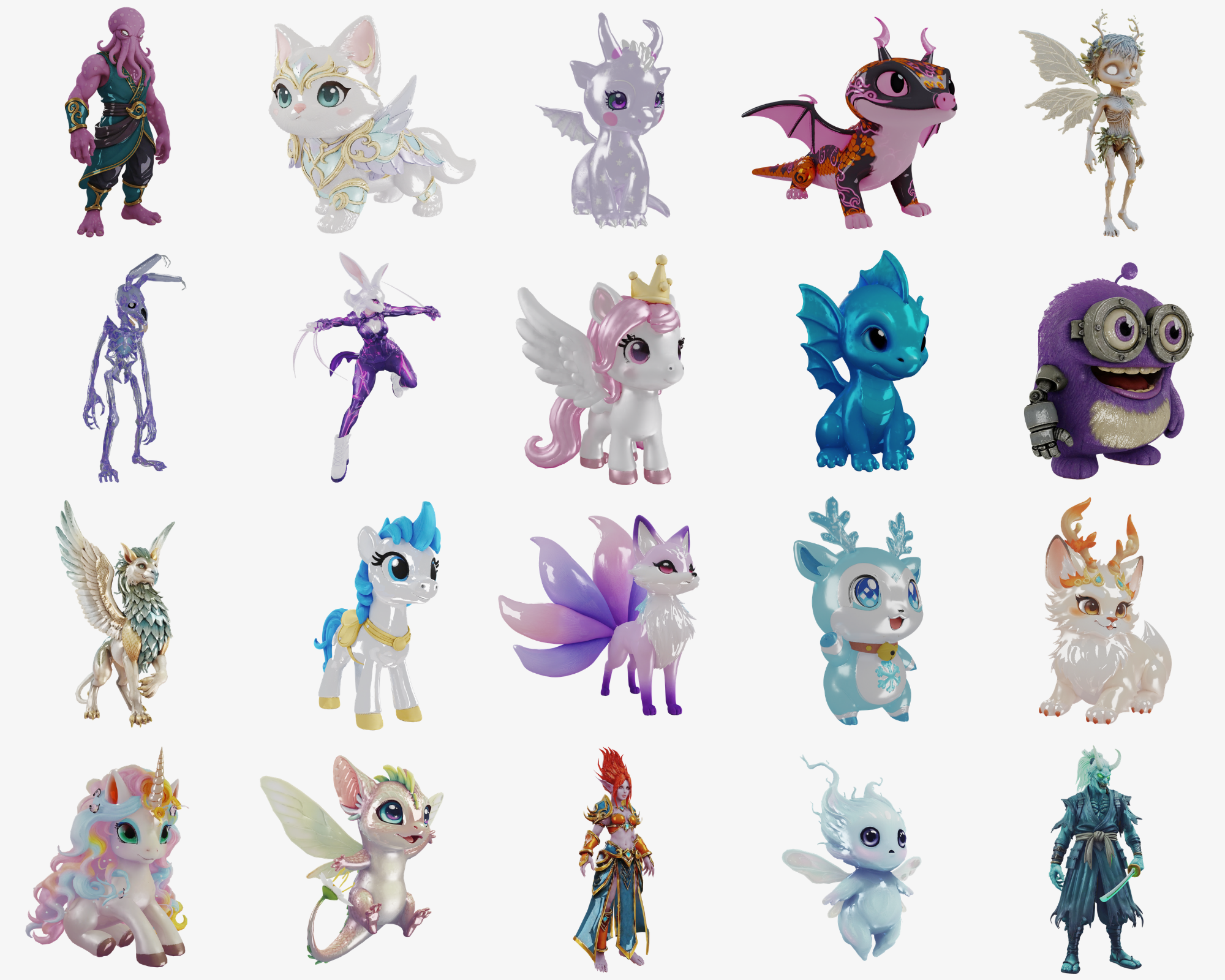
Fifty creatures that ride on a player’s shoulder: a Kitsune, a Minotaurus, a creepy clown, a robot fly, a baby dragon, a ghost and 44 more. Each one is an inventory item, so you decide how players get them, whether that’s a shop, a VIP reward or an admin command.
Once a pet is out, /petmenu opens a small panel to move it to the other shoulder, play its particle effect, switch its looping effect on or off, or put it away. Players within 200 units see the pet and its effects too.
Commands
| Command | What it does |
|---|---|
| /pet <name> | Spawn or put away a pet, handy for testing |
| /petmenu | The pet panel: shoulder, effect, auto effect, remove |
| /petdebug | Move and rotate a pet on the shoulder live to get exact offsets |
| /petparticledebug | Position a pet’s particle effect the same way |
| /particletest | Browse GTA particle effects to pick new ones |
In the download
- 50 pet models, each with its own left and right shoulder position, particle effect and effect timer
- An inventory image for every pet
- Item files for ESX (SQL), QBCore (SQL and Lua) and ox_inventory
- Open config.lua and editable.lua: add more creatures, change effects and cooldowns, or plug in your own permission checks
For developers
Client exports spawn, remove and swap pets and check what a player has out, and events let your other FiveM resources trigger them, for example exports['doitdigital_pets']:SpawnPet('kitsune', 'right').
Works with ESX, QBCore and Qbox, with ox_inventory, or standalone. The core files are protected by Cfx asset escrow. Install steps and examples are in the documentation.