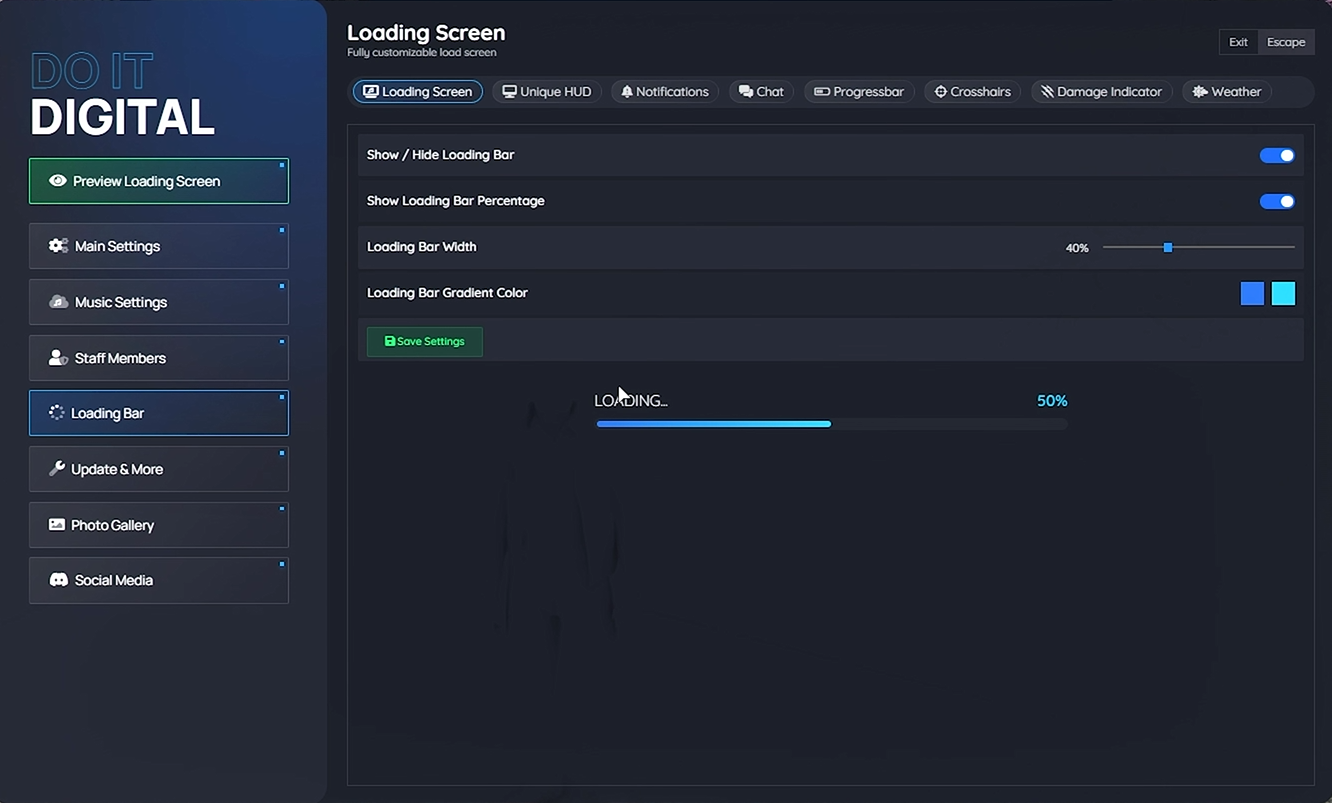
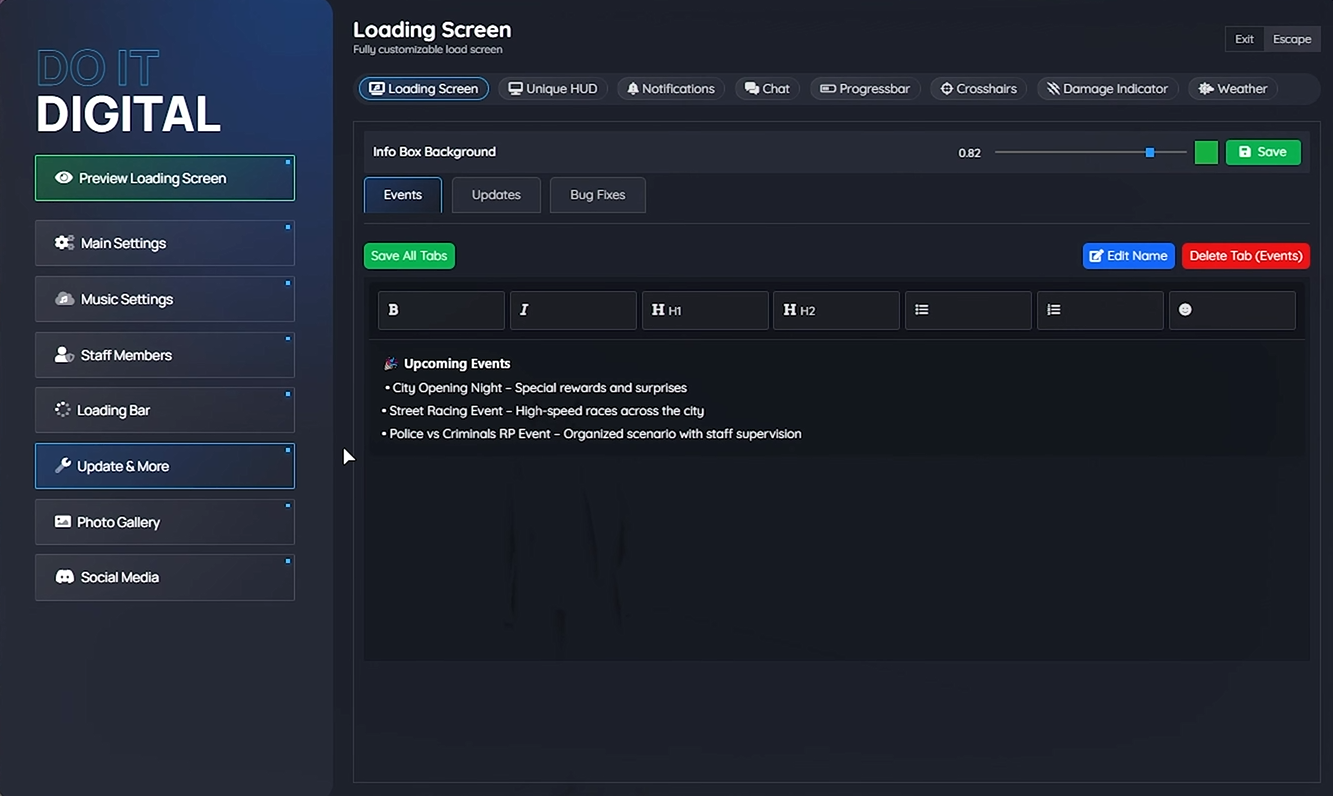
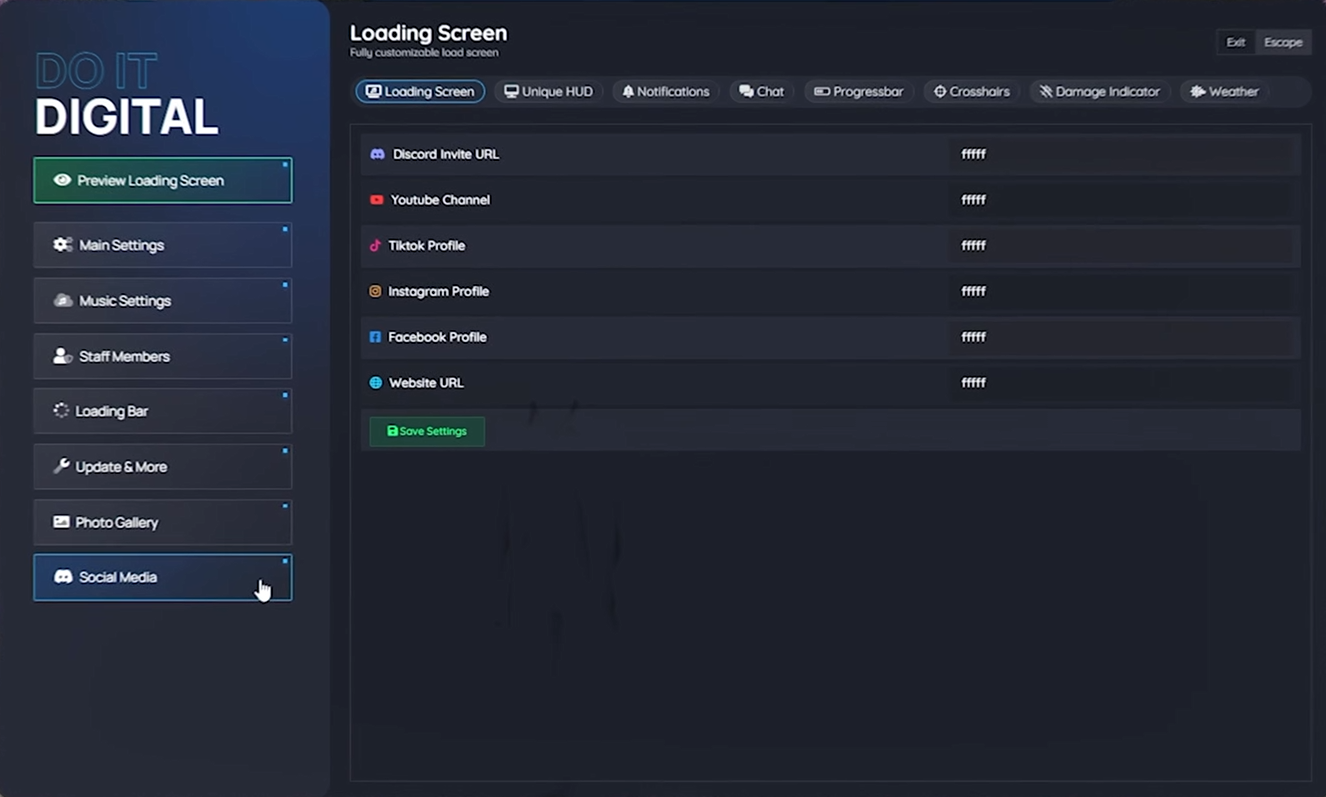
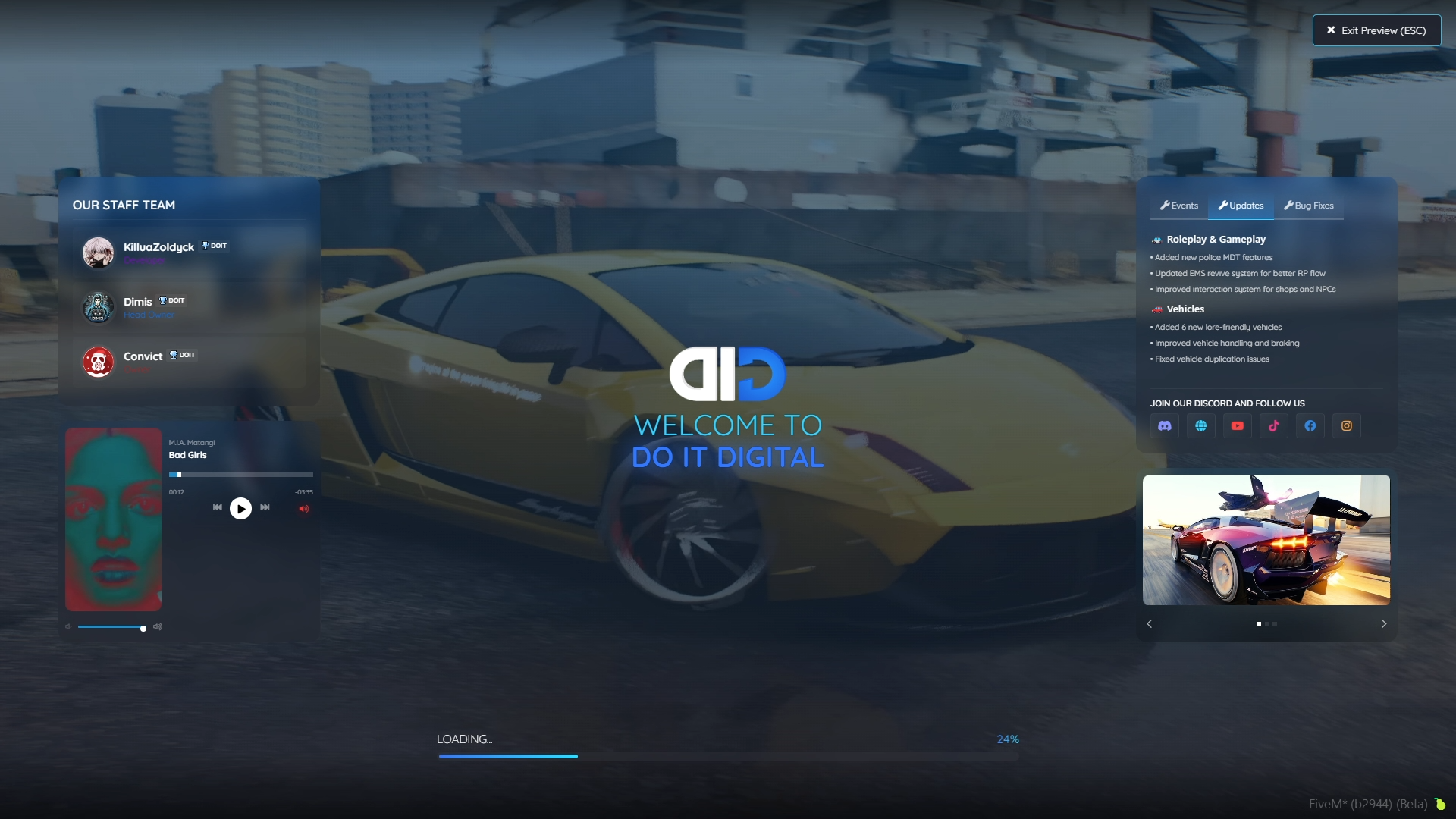
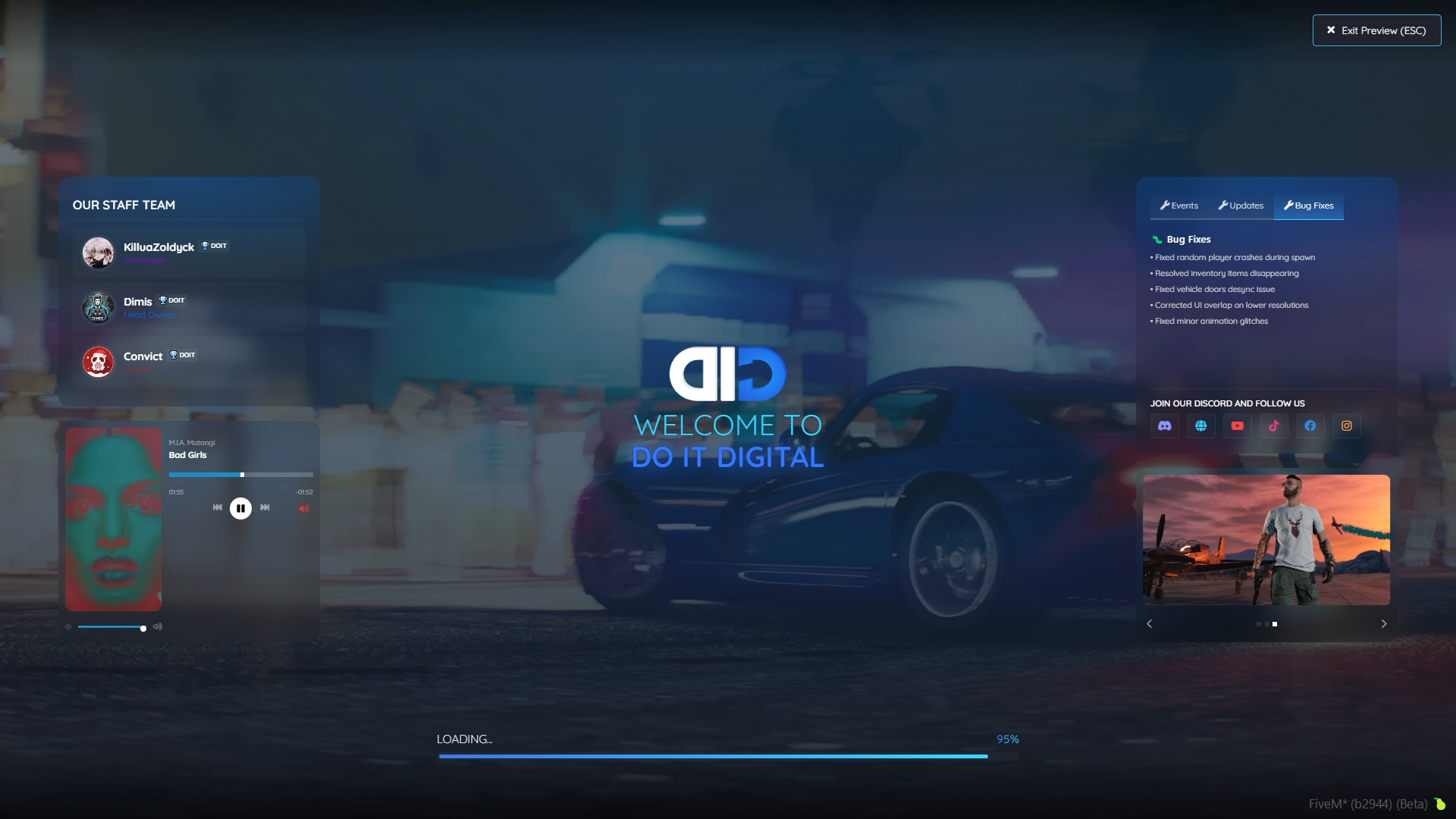
Everything on this loading screen is changed from inside the game. Type /lsettings, edit a tab, press Preview, and you see exactly what players will see while they connect, without opening a single file.
What players see while they load
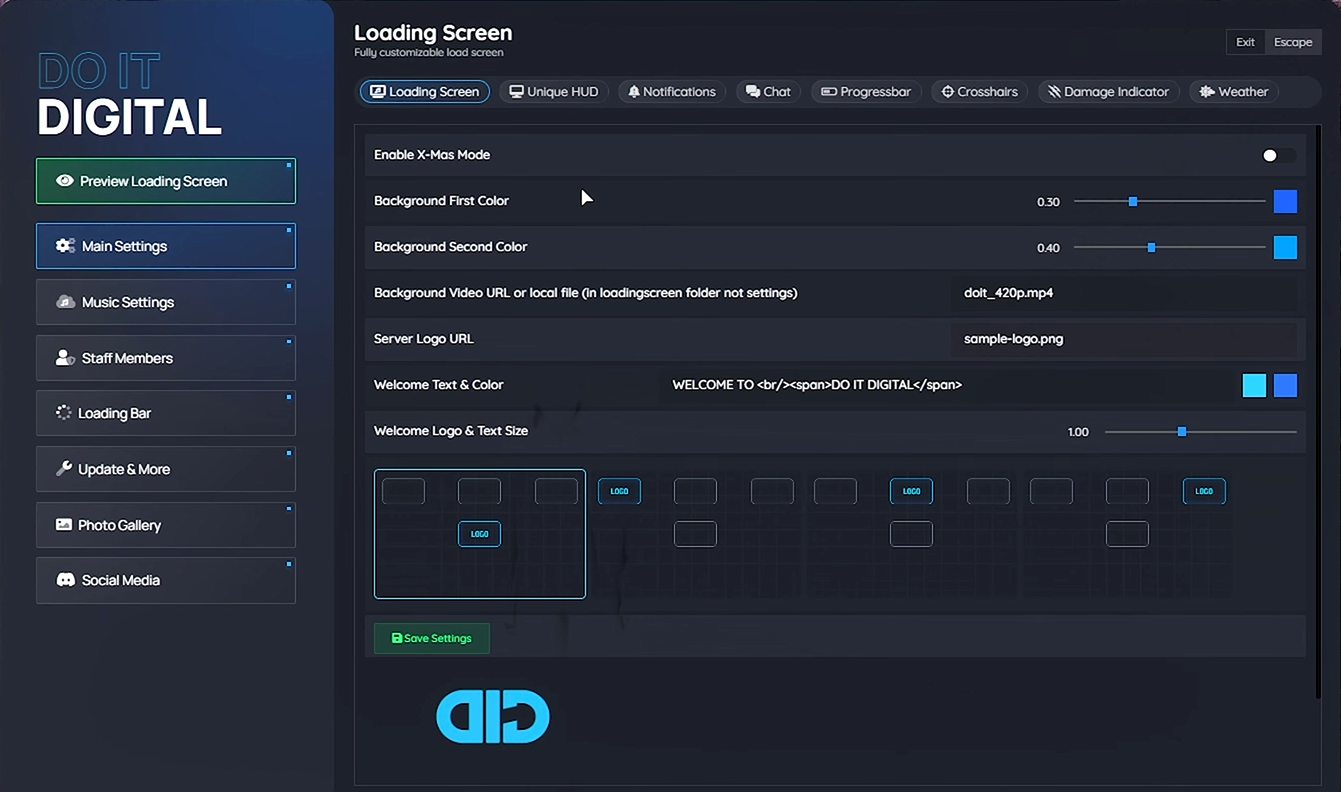
- Your background video under a two-colour gradient
- Your logo and a welcome text in one of four positions (HTML works)
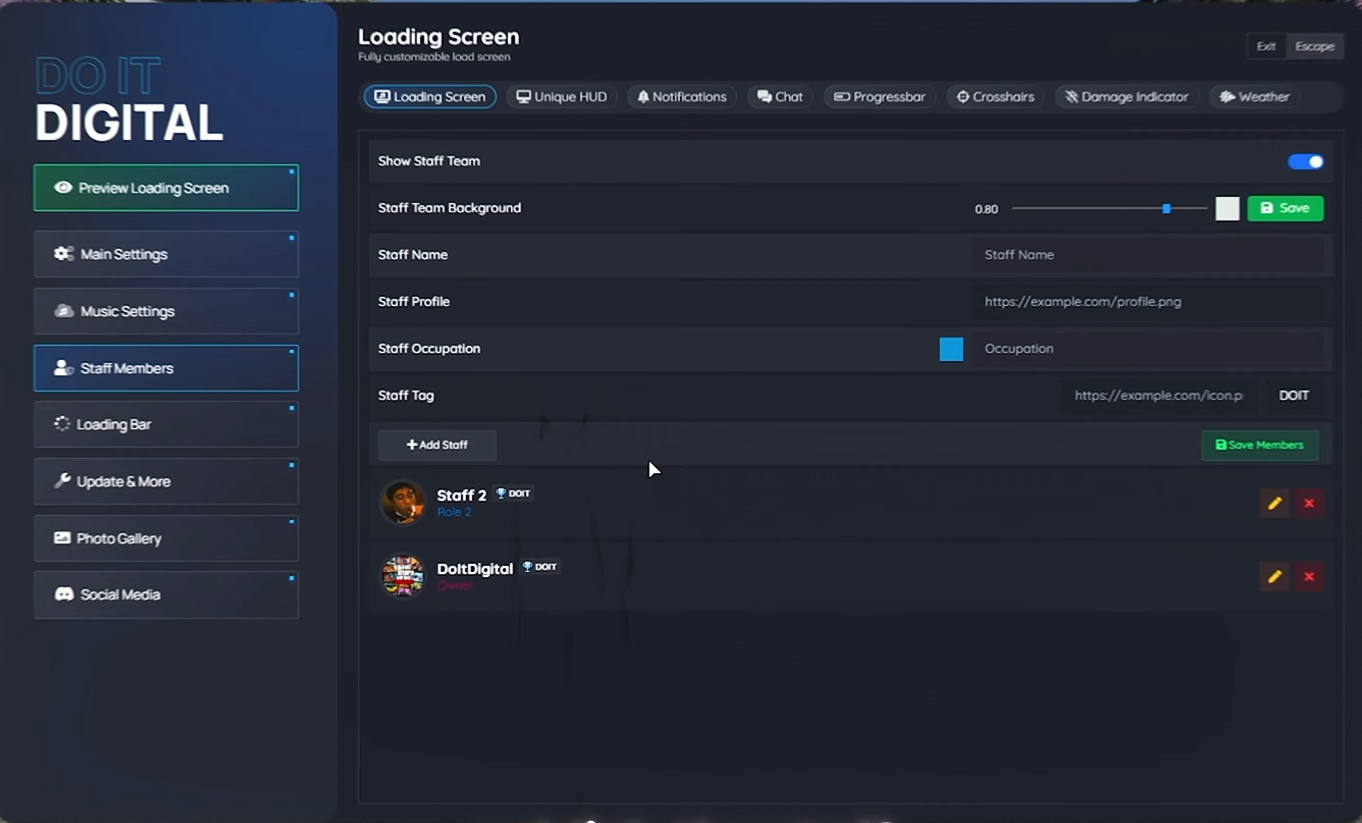
- A staff card with names, photos, roles and icons
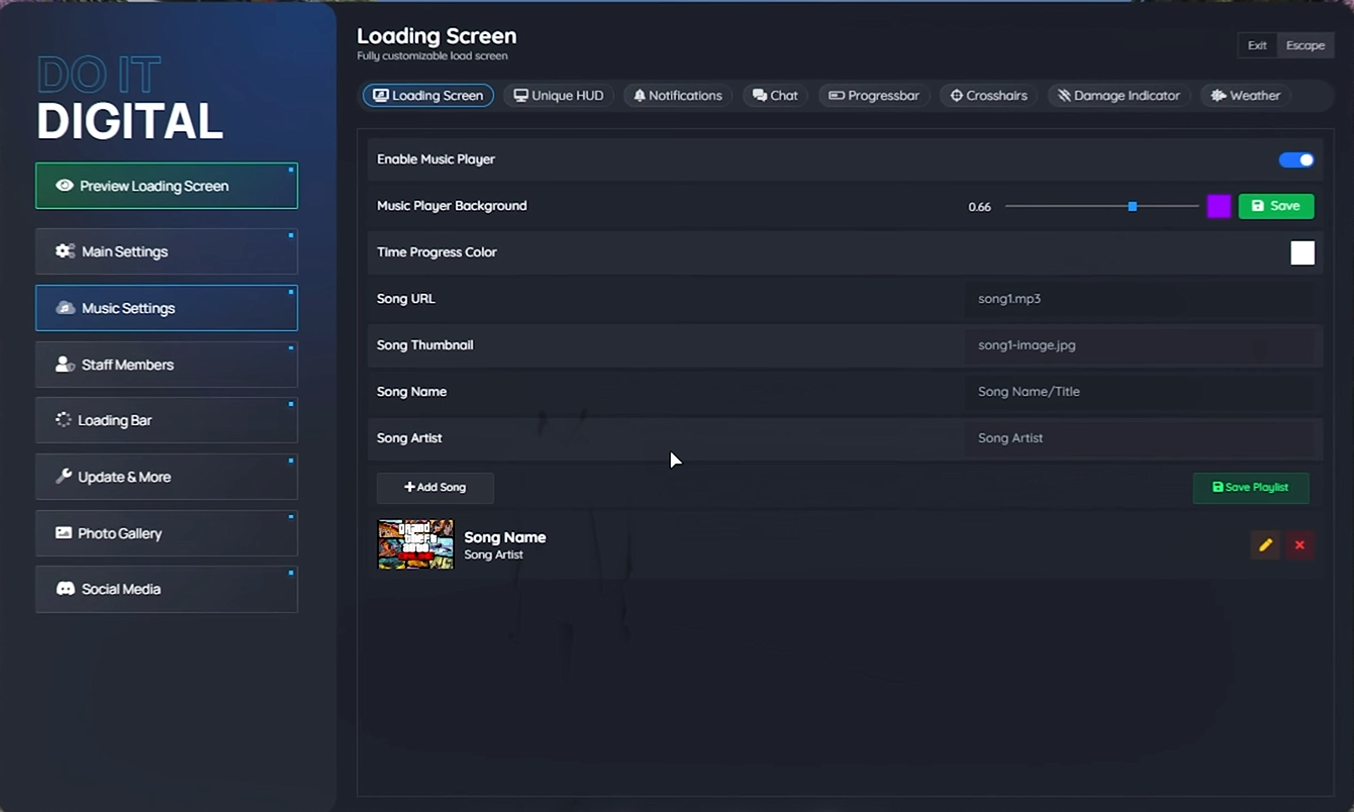
- A music player with a playlist and covers
- Info tabs for updates, bug fixes, events or rules, written in a rich text editor
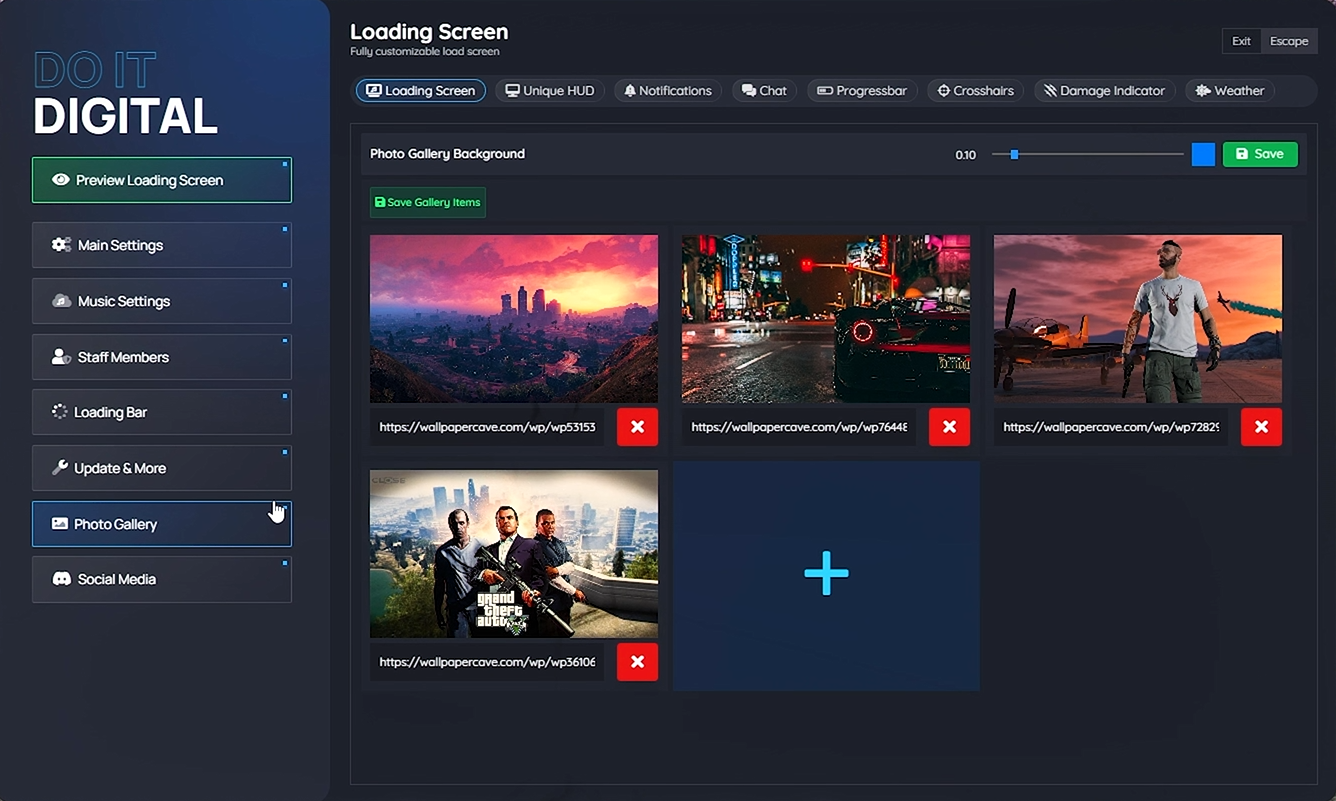
- A photo gallery, and buttons for Discord, YouTube, TikTok, Instagram, Facebook and your website
- The loading bar with a percentage, in your colours and width
- Snow at Christmas, if you switch it on
The editor
| Tab | What you set |
|---|---|
| Main Settings | Colours, video, logo, welcome text and its position, Christmas mode |
| Music Settings | Songs from a URL or a file, with cover, name and artist |
| Staff Members | Team members with photo, role colour, tag and icon |
| Loading Bar | Show or hide, percentage, width, gradient |
| Update & More | As many text tabs as you need |
| Photo Gallery | Images from files or URLs |
| Social Media | Your six links |
Setup
- Two resources: the loading screen and its settings editor
- Needs oxmysql; the tables are created on the first start
- Editor access by Steam, license or Discord identifier
- Video, images and music go in the resource folders or come from URLs
- Works on any FiveM server: ESX, QBCore, Qbox, OxCore or standalone
- Protected by Cfx asset escrow; needs current server artifacts and a valid Cfx license key
The full guide is in the documentation.