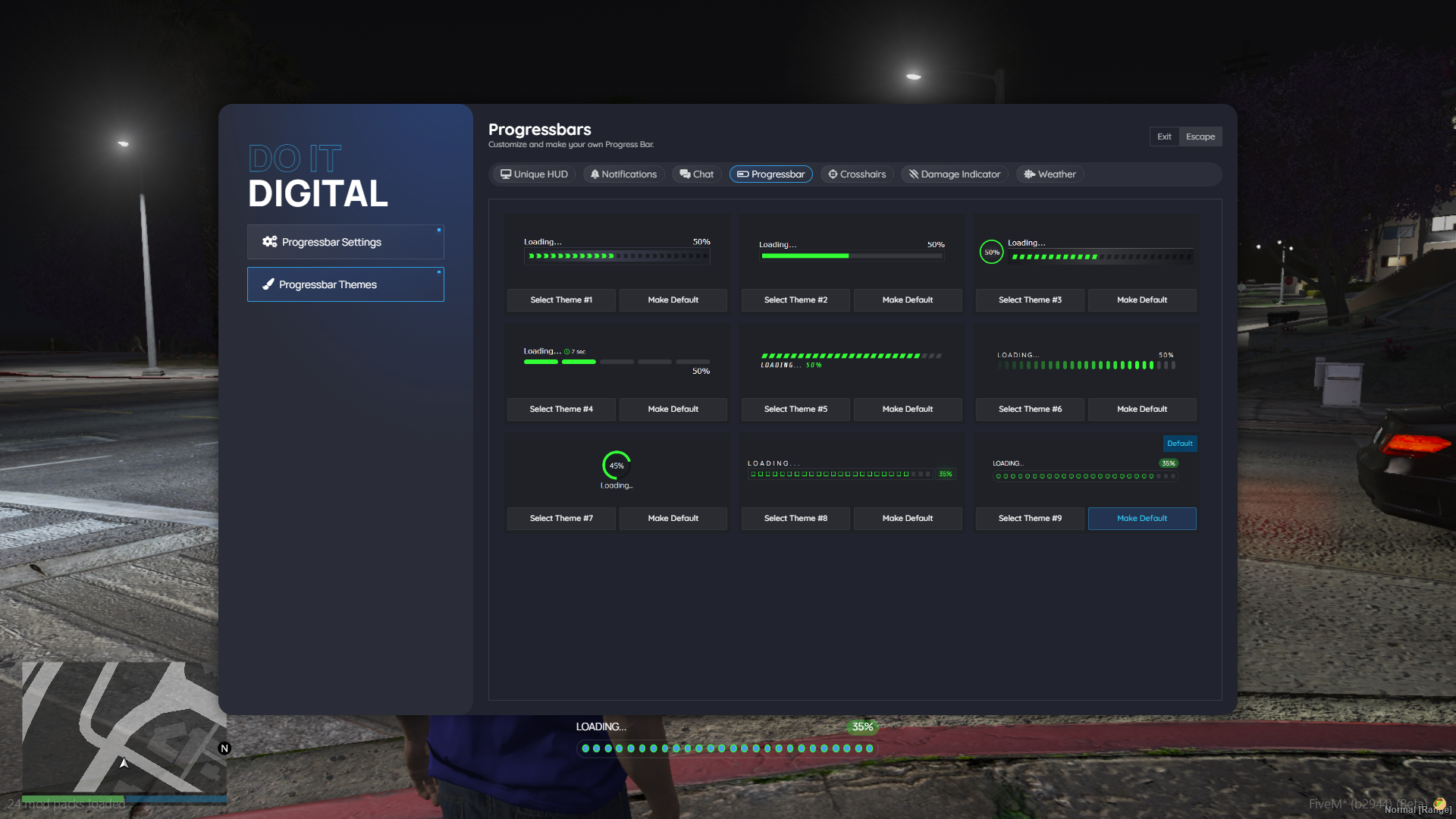
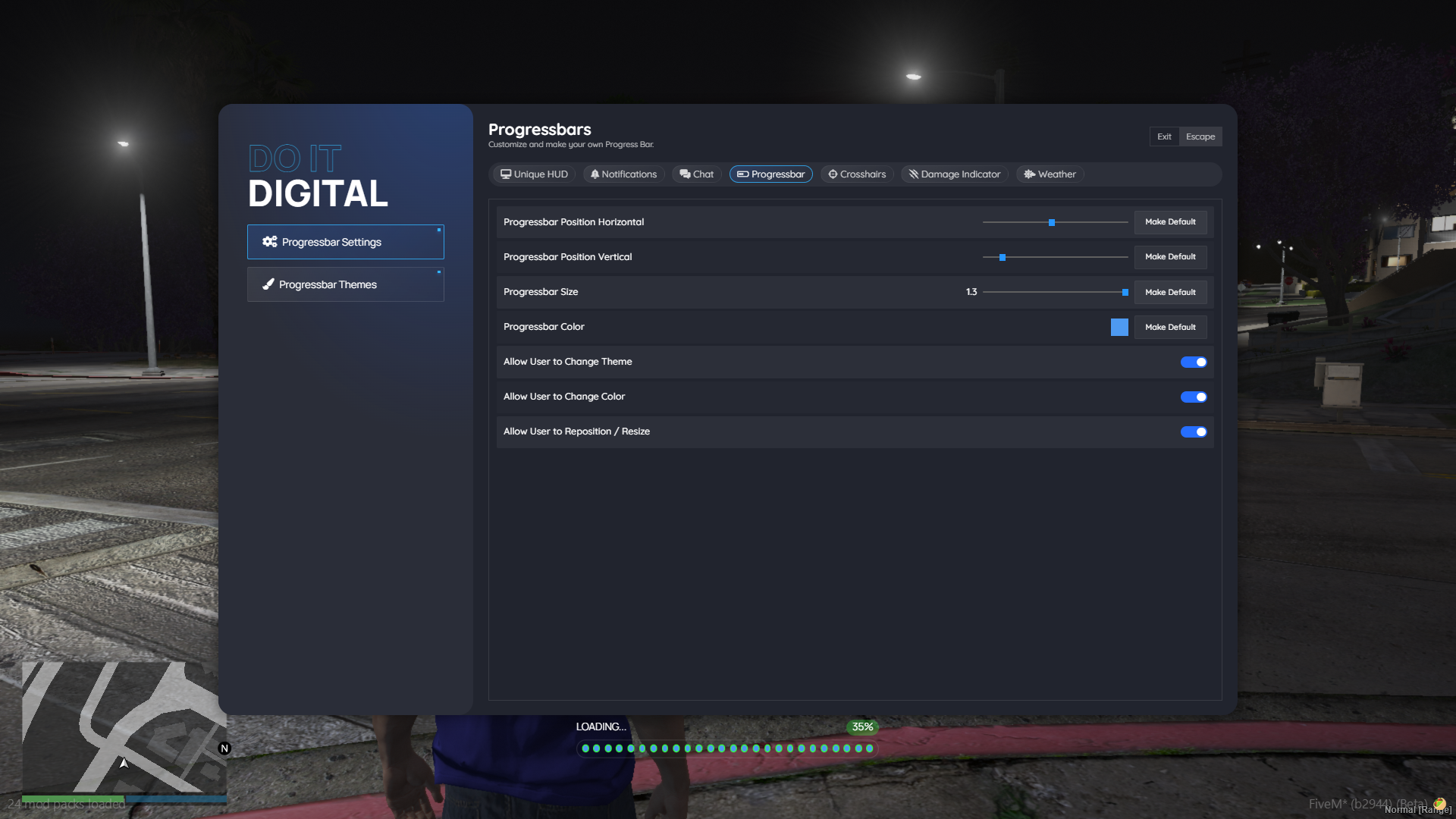
This is the bar players watch while they eat, search a car, repair or craft. It comes in 14 styles, from a thin line or a row of dots to chunky segments and a round percentage dial. Every player can open /psettings to pick a style, colour, size and position, and you choose which of those they may change and what everyone starts with.
For developers
Get the API with exports.doit_progress:ProgressBar() and call it one of two ways:
| Call | Use it when | You get back |
|---|---|---|
ProgressBar.sync(...) | you want a callback when it ends | a handle |
ProgressBar.async(...) | you want to wait for it inside a thread | await(), cancel() and a request id |
Both take a duration, a label, an optional cancel key, a switch to lock the player’s controls and an animation; async can also attach a prop to a bone. The result says whether it finished, how long it ran and whether it was cancelled.
Setup
- Each player’s settings are saved in your database (oxmysql)
- Admin groups from the config (admin by default) also get the server-wide settings and permissions
- Needs DoItDigital_lib, which is free for buyers
- Already using QBCore’s or ox_lib’s progress bar in other scripts? Open a ticket on our Discord and we’ll send the files that make them show this bar without editing them
- The API doesn’t depend on a framework, so it works on any FiveM server: ESX, QBCore, Qbox or your own
- Protected by Cfx asset escrow