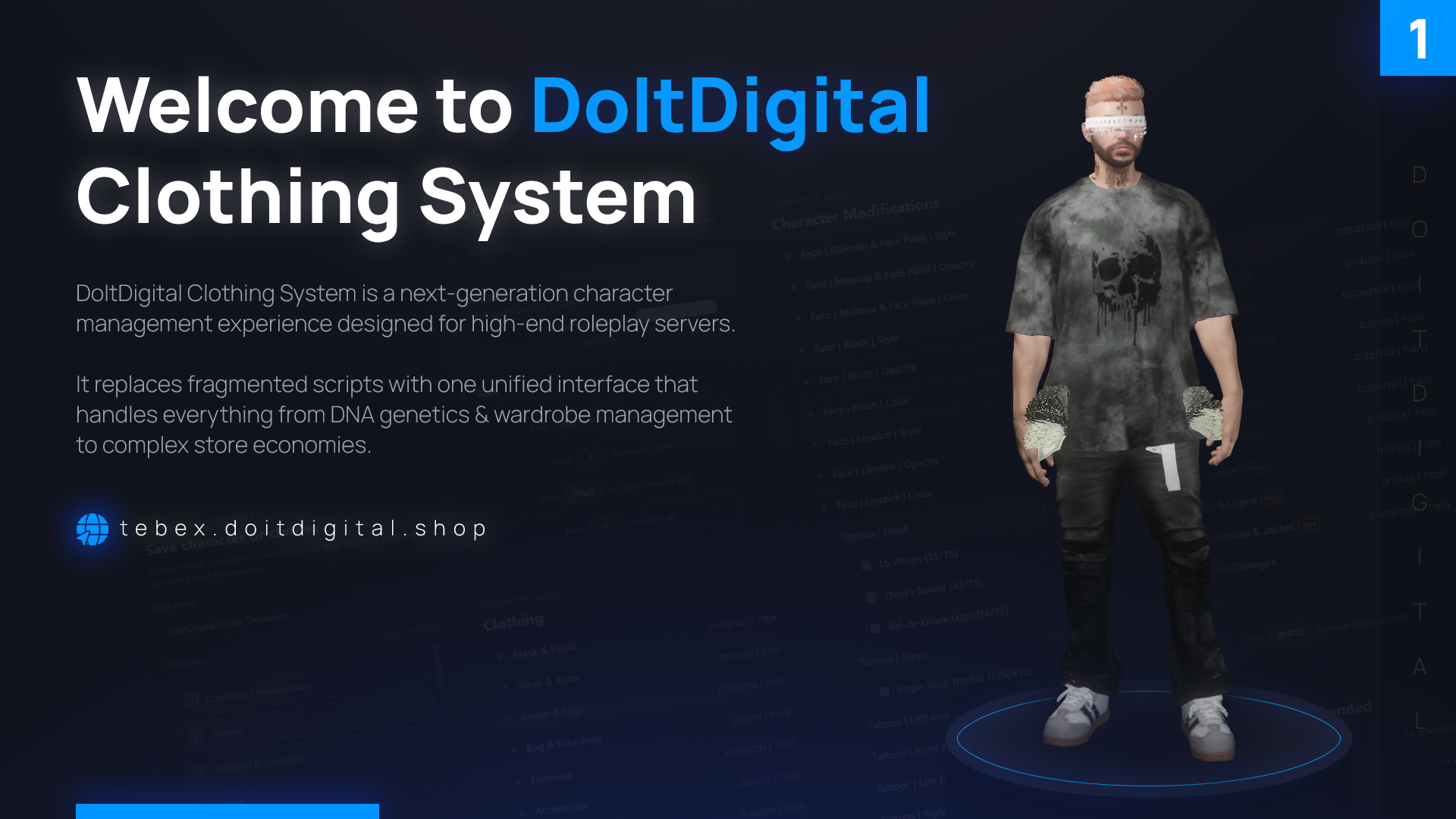
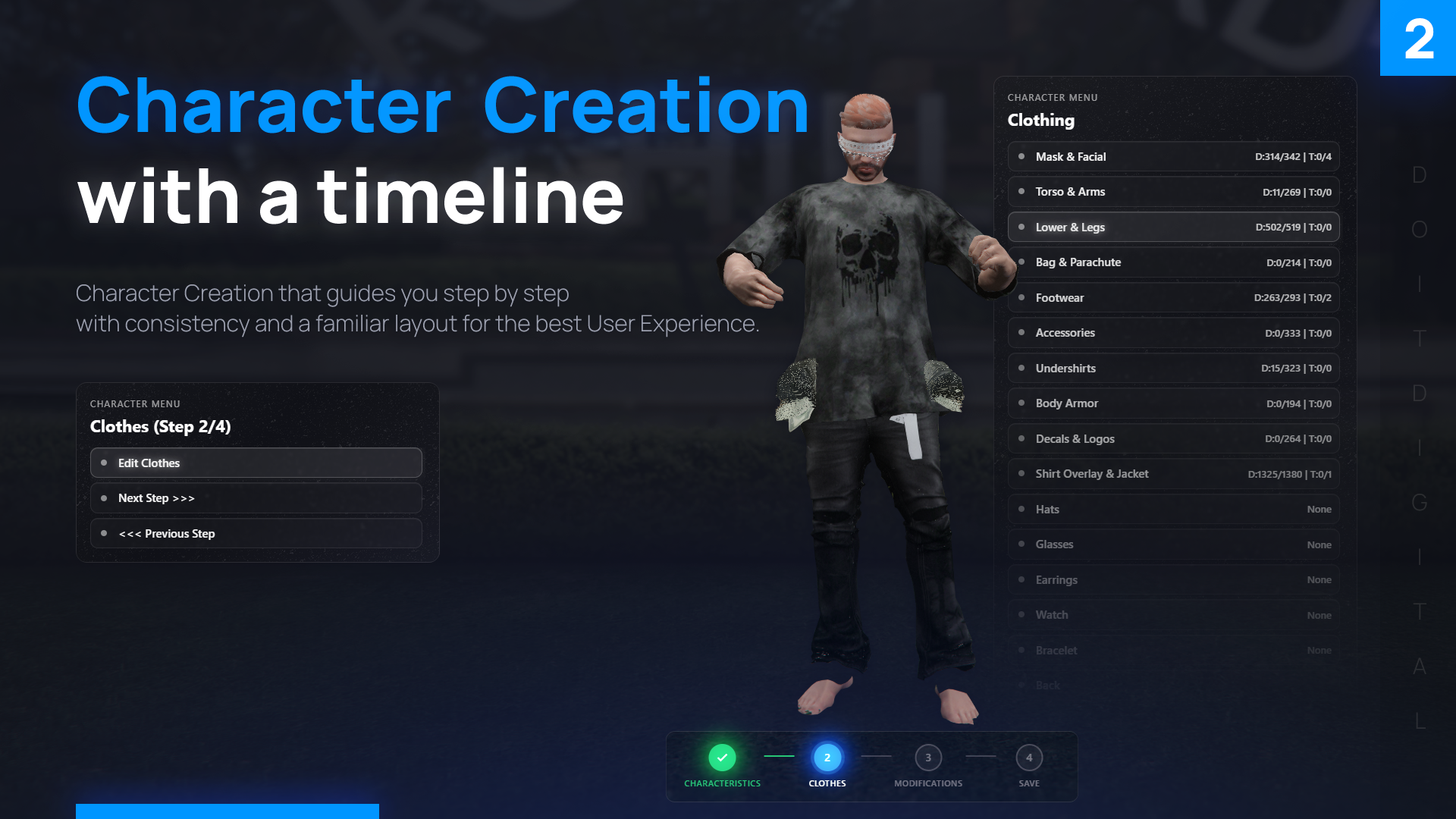
Character creation, the wardrobe, clothing stores, barbers and tattoo parlours all use the same menu here, so players learn it once. The camera follows along: hold the middle mouse button to orbit around the character, Ctrl and the wheel to zoom.
Creating a character
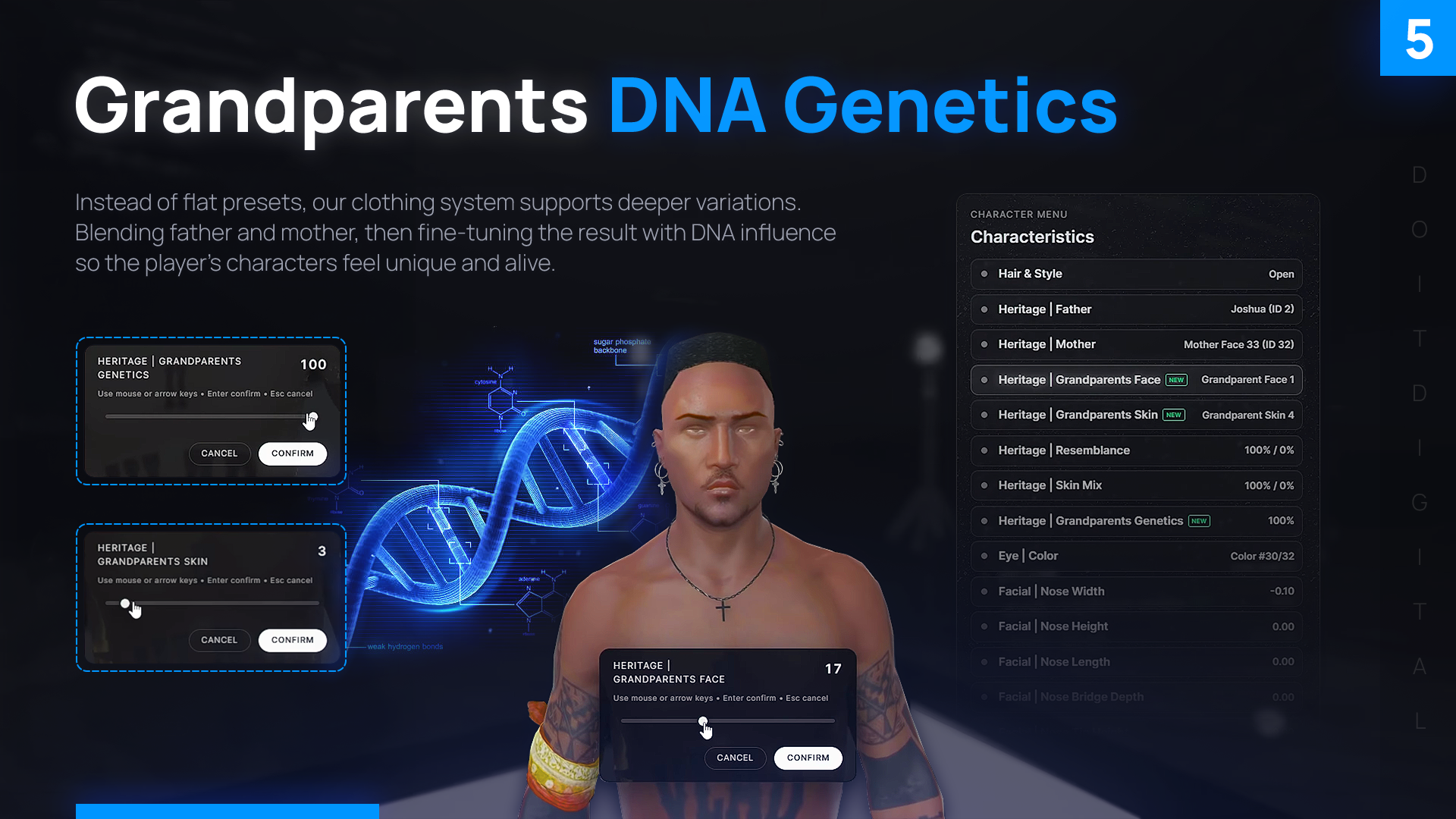
- Heritage: father, mother and a third parent, each with their own skin tone, using GTA’s real parent names
- Face: 20 feature sliders, eye colour, and overlays such as beard, eyebrows, ageing and freckles, each with style, opacity and colour
- Hair: style, colour and highlight
- Makeup, blush and lipstick with a second tint
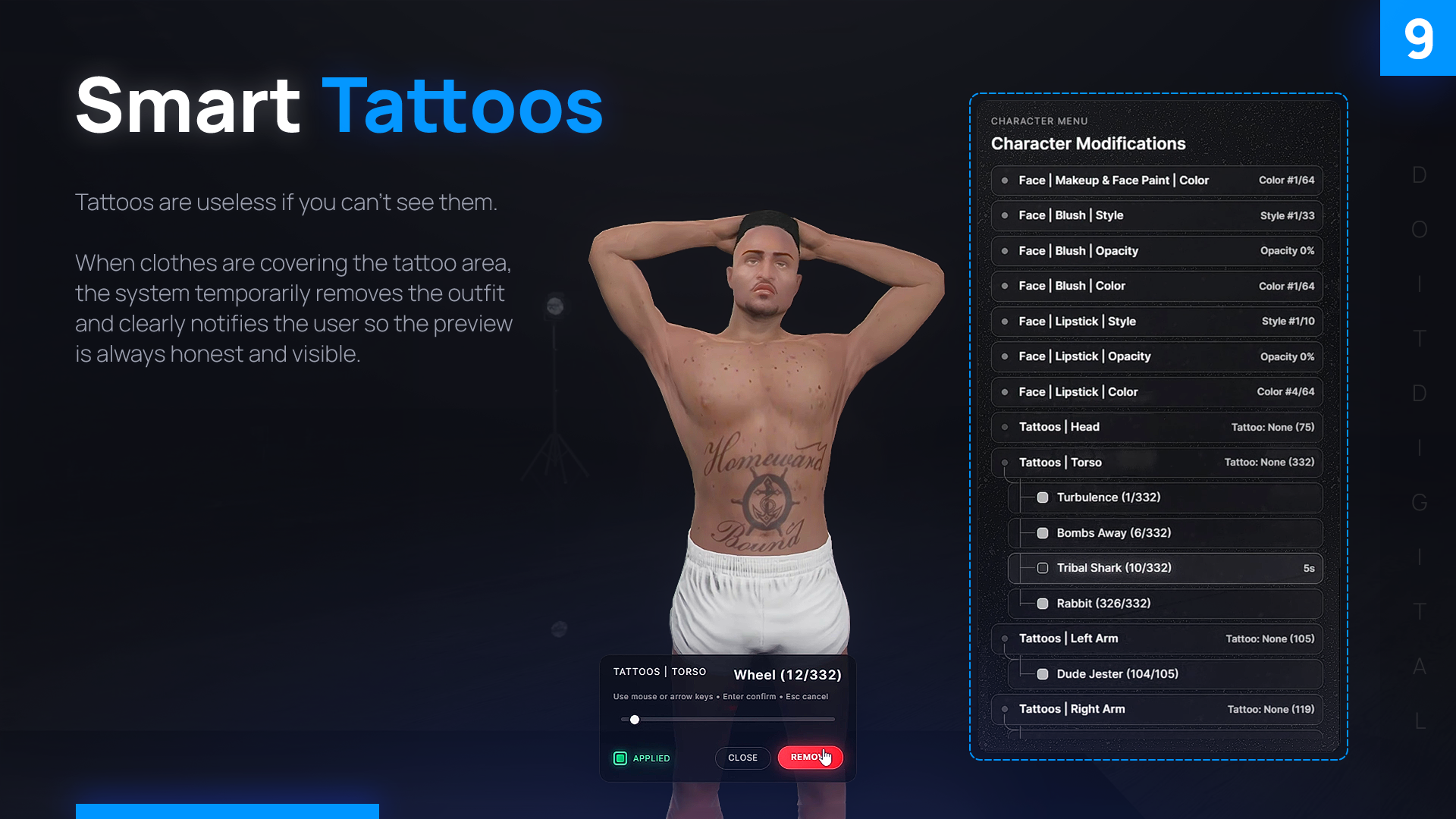
- Tattoos by zone; clothes come off on their own so you can see where they go
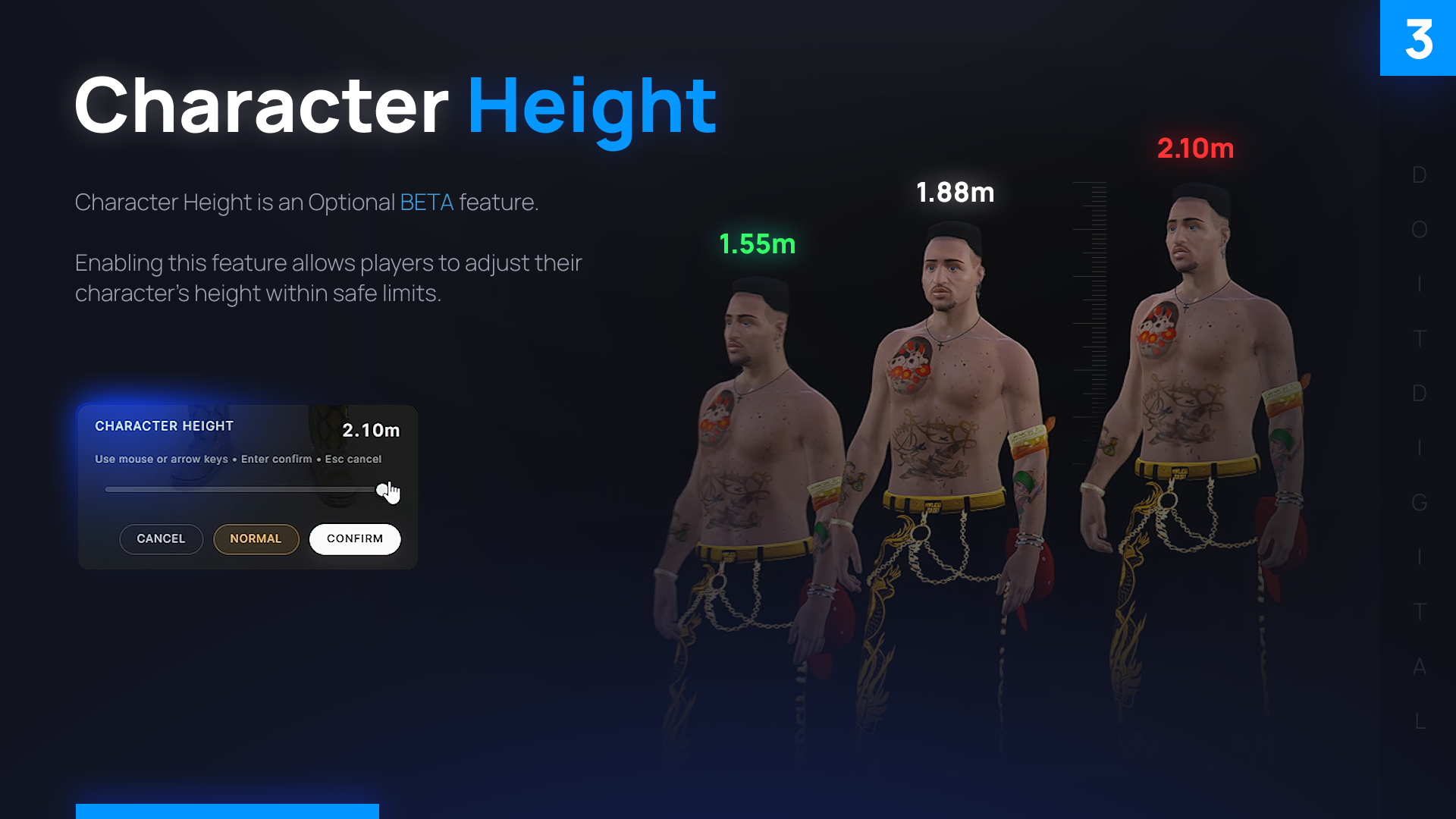
- Height within the limits you set, for example 1.55 to 2.10 m
- Walking style and facial expression are saved with the character
Stores
| Setting | What it does |
|---|---|
| Universal pricing | One price for everything in a store |
| Whitelist | Only the items you list are for sale |
| Texture prices | The gold version of a jacket can cost more than the plain one |
| Store types | Barbers (hair only), tattoo parlours, hat shops or any other category |
| Payment | Tries cash first, then bank; you set the currency symbol and its position |
| Leaving without paying | Players are asked to pay or roll back; nothing unpaid is saved |
Wardrobe
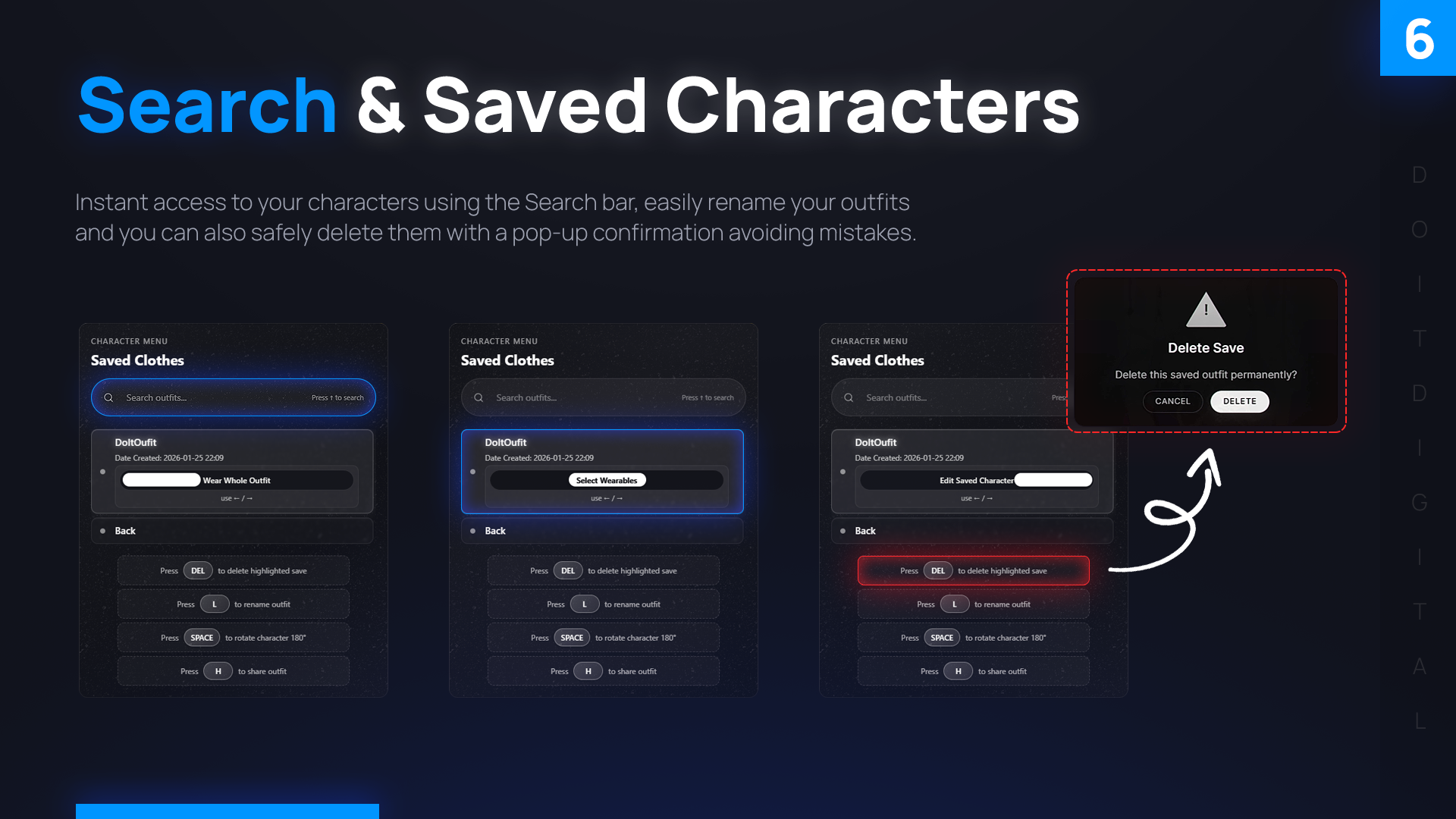
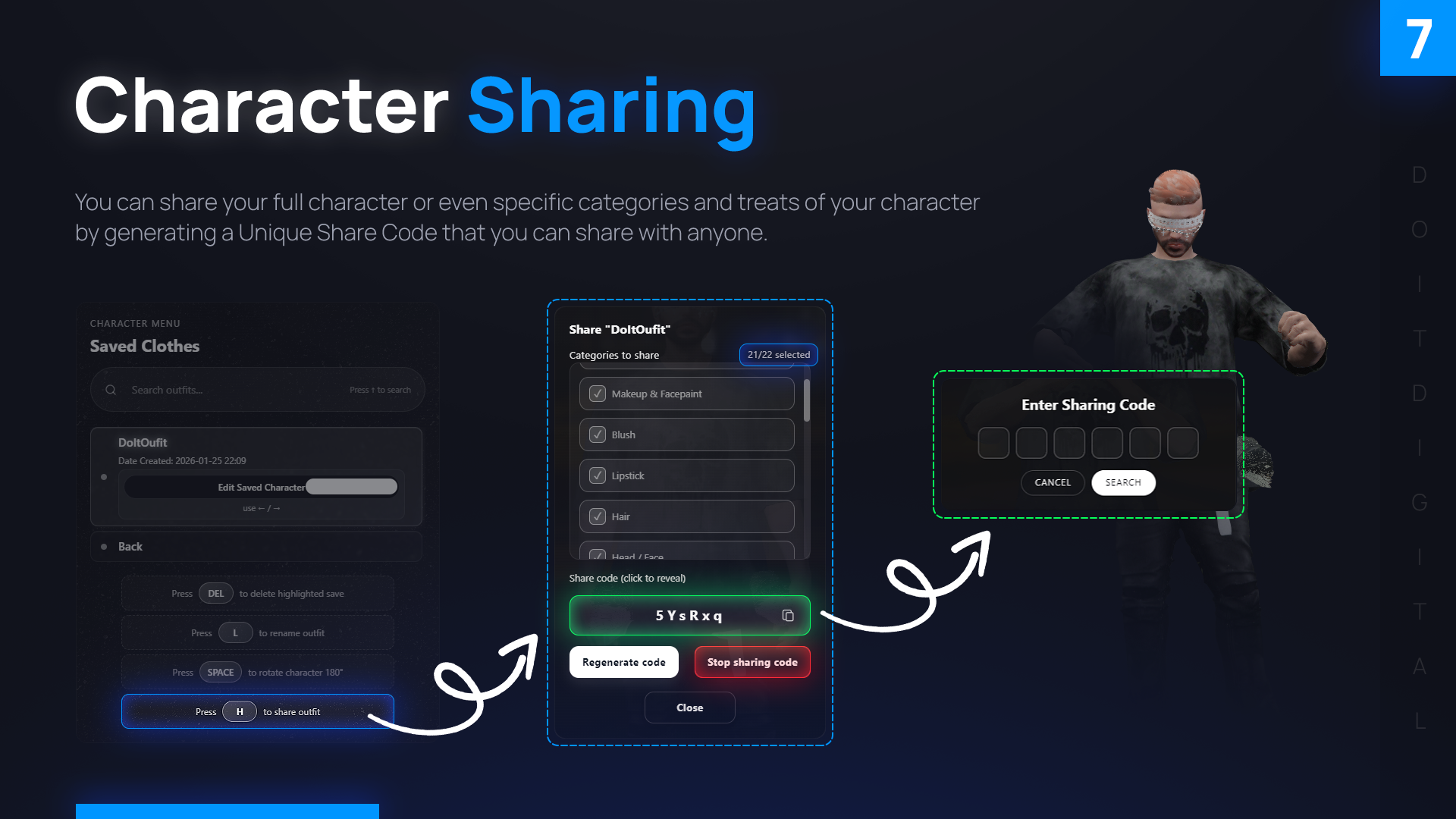
Saved outfits sit in a searchable list with previews. A share code passes a whole character or just the outfit to a friend. The last look is saved every 20 seconds and after every purchase, and it’s put back on at spawn.
For the server
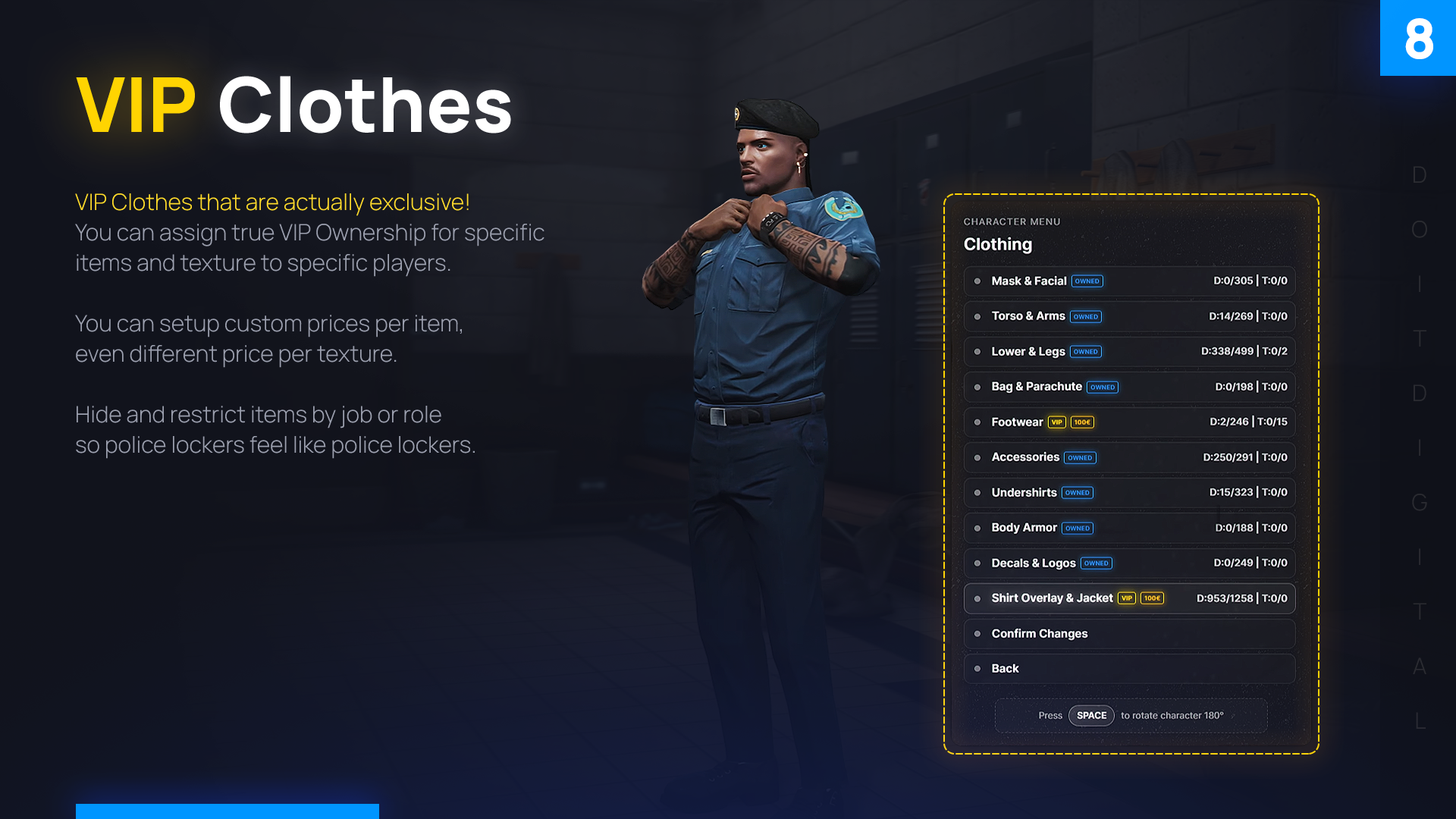
- Job locker rooms: lock uniforms to police, EMS or any job; locked items show a coloured tag
- VIP clothing: lock a whole drawable or a single texture, then hand it out with /givevip and /removevip
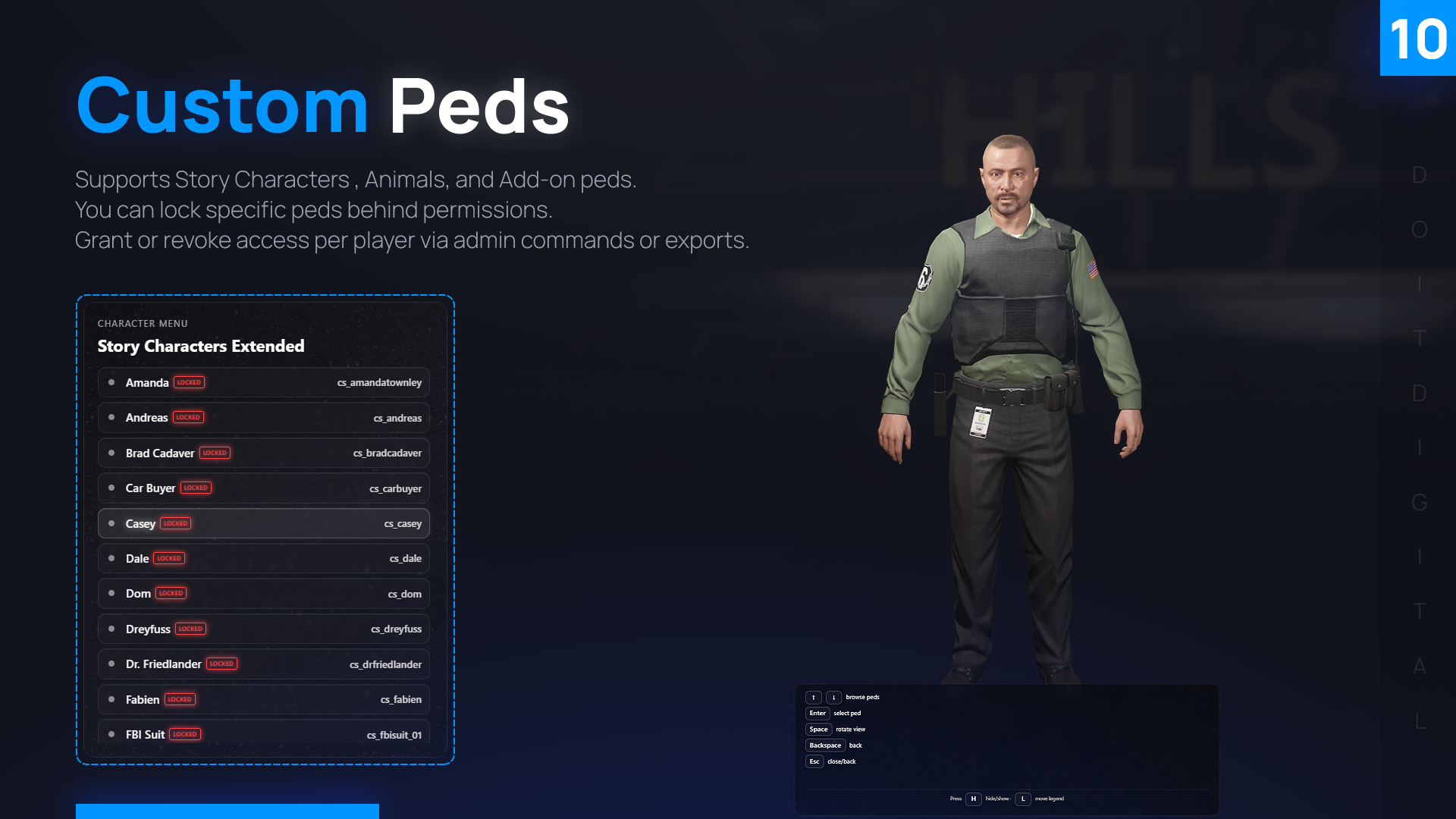
- Custom peds: Michael, Franklin, animals and add-on peds, each behind a permission you grant per player
- Events: height can reset automatically during an event to keep fights fair
- Preview lighting: key, fill and rim lights you can adjust for the character previews
- Safety delays: deleting a character or outfit asks for confirmation first
Switching from another script
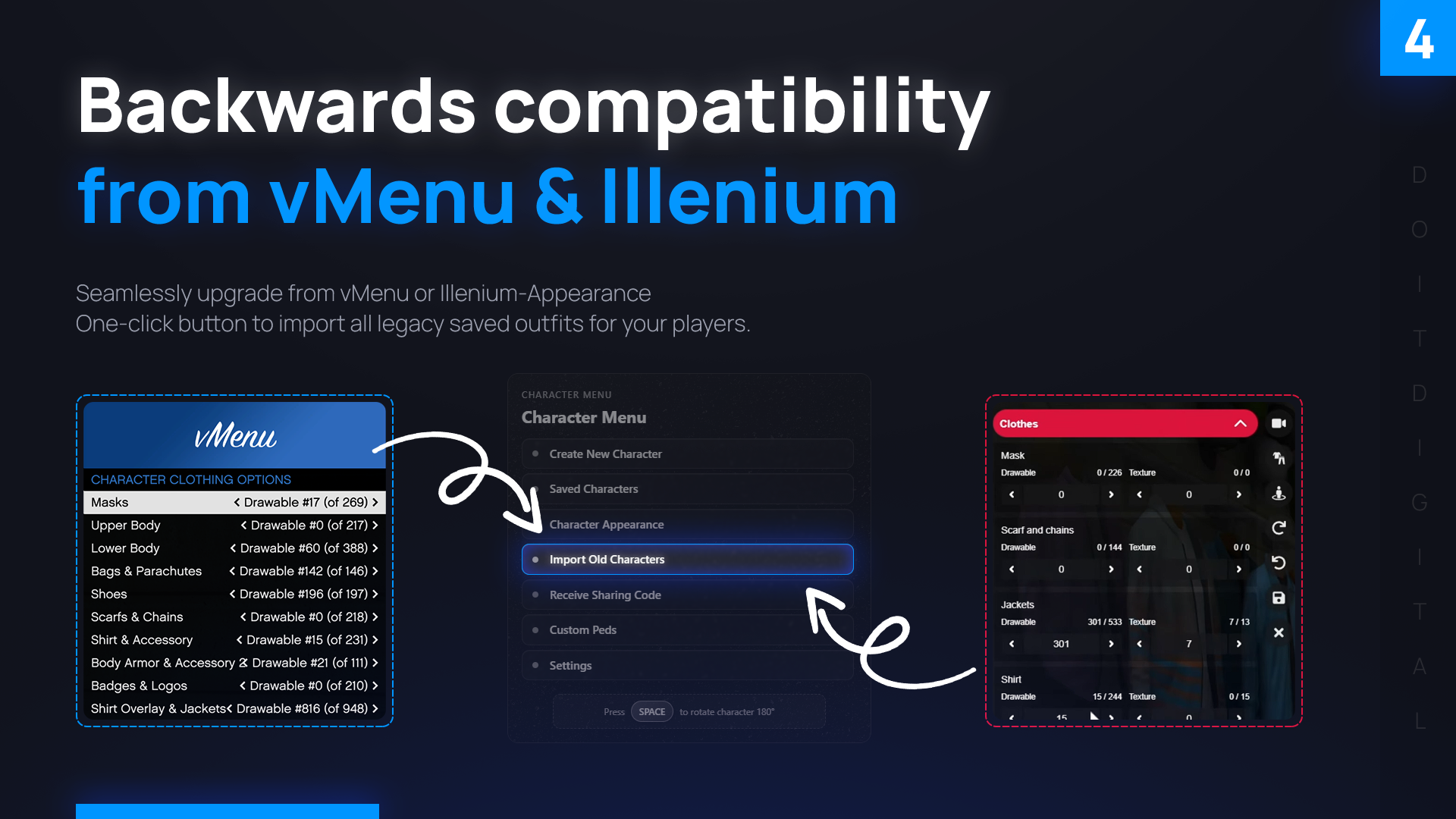
One click imports every saved vMenu outfit, and characters from illenium-appearance can be moved over too, so a FiveM server can switch without players losing their looks. The docs include setup guides for esx_multicharacter, um-ronin, 0r, code-m and cylex, and the skin column ESX and QBCore use stays in sync.
Needs ox_lib and oxmysql. Works with ESX, QBCore, Qbox, ox_core or standalone, in 21 languages including English, Greek, German, French and Spanish. Everything else is in the documentation.